
Try PlayParty.io Right Now (Free & Instant)
Start a synchronized watch room in seconds and watch together with friends.
At a Glance
- Discord screen sharing re-compresses video on the host's machine, capping resolution at 720p 30fps on free accounts.
- PlayParty.io streams original native 1080p/4K video directly to each screen while keeping all players in sub-50ms sync.
- PlayParty includes built-in browser voice chat, eliminating the need to run Discord in the background altogether.
Many friend groups default to Discord Screen Share for movie nights and co-watching — Discord reports over 200 million monthly active users (Discord company page). But re-encoding and uploading full-motion video causes 720p resolution caps, 30fps frame drops, audio lag, and the frustrating black screen DRM glitch. PlayParty.io eliminates these problems by pairing native 1080p video sync with built-in, low-latency voice chat.
Why Discord Screen Share Struggles with Group Video
Visit Website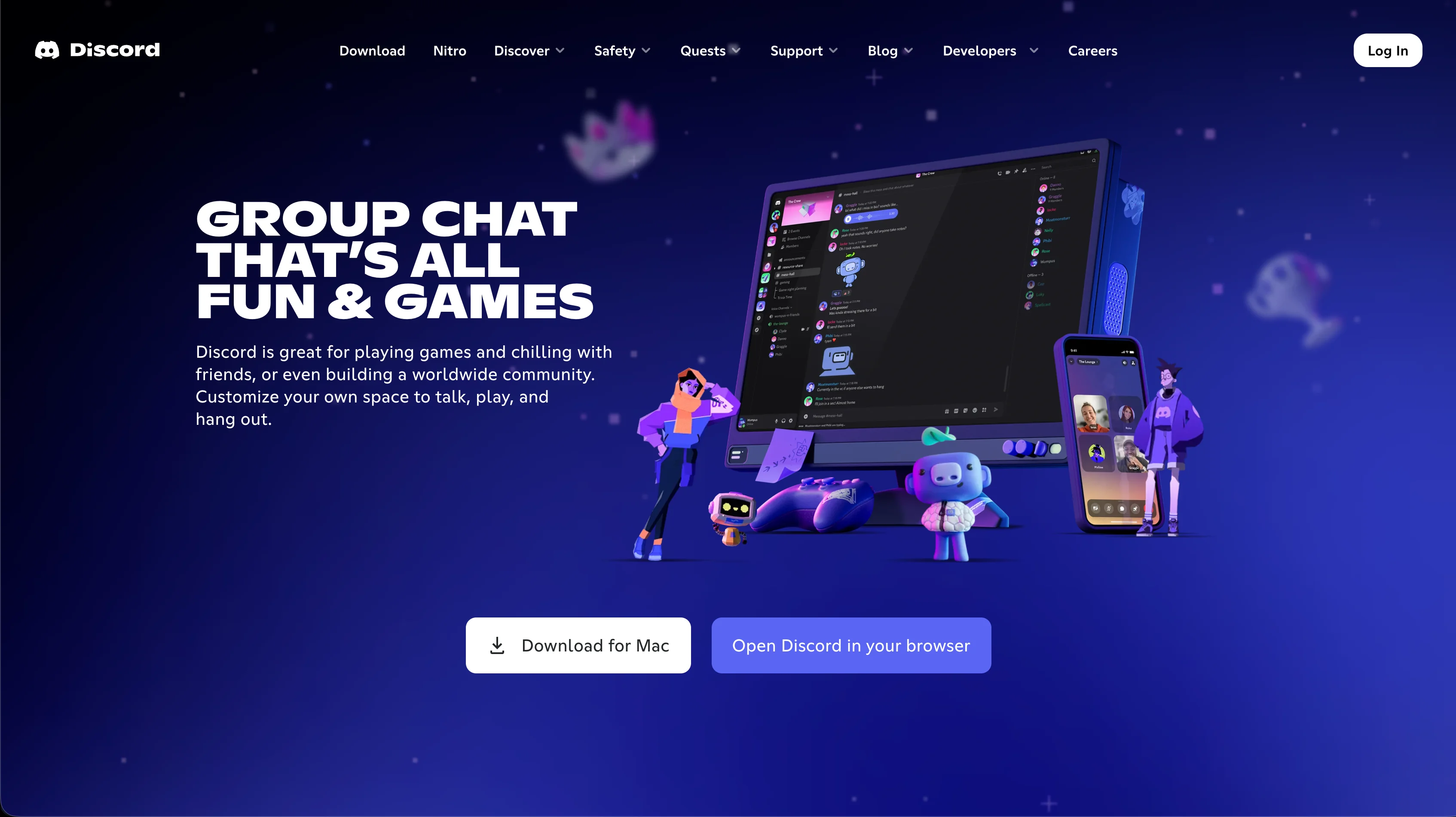
When you screen-share in Discord, your computer has to capture your display, re-compress the video in real time, and continuously upload heavy video data to Discord servers (Discord Go Live and Screen Share). If your internet has a brief hiccup, everyone's stream freezes.
- Free accounts are capped at 720p resolution and 30fps with visible compression artifacts (Discord Nitro comparison)
- High continuous upload bandwidth required from the host
- Viewers cannot adjust video volume independently from voice chat volume
- Major streaming sites block capture with DRM (Widevine, FairPlay), displaying a black box to viewers (Widevine DRM)
Advantages
- Seamlessly built into existing Discord servers
- Convenient for sharing casual desktop game footage or short clips
Drawbacks & Limits
- 720p 30fps resolution cap on free tier (Nitro required for 1080p)
- Heavy continuous upload demand on the host
- DRM black screen glitch on protected media feeds
- No independent video volume slider for participants
For short clips (under 5 minutes), casual gameplay sharing, or groups already hanging out in a Discord server, screen share is the simplest option. It only becomes problematic for longer viewing sessions, higher quality requirements, or DRM-protected content.
How PlayParty.io Combines 1080p Sync with Native Voice Chat
Visit Website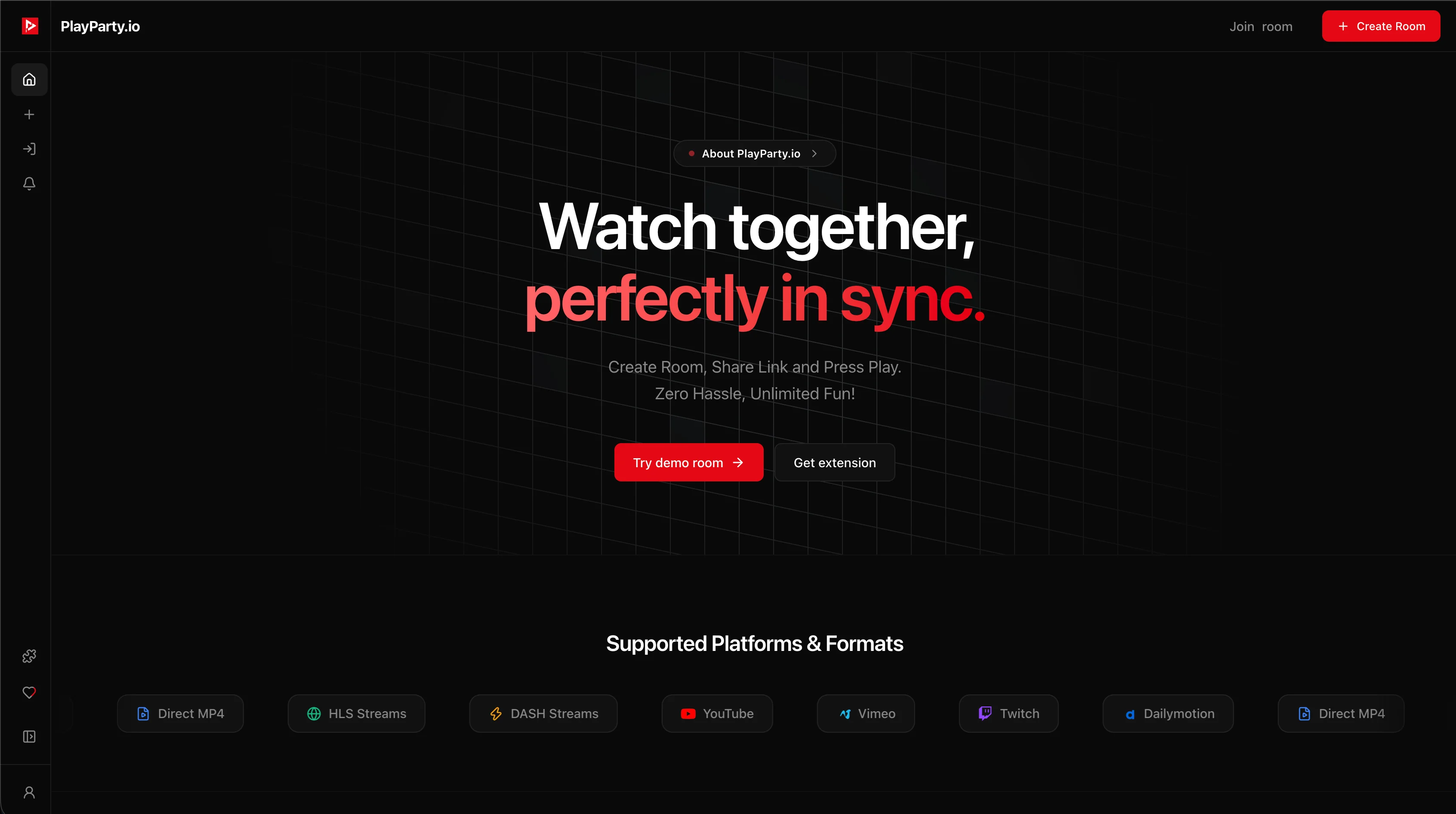
Instead of re-streaming video pixels through your computer, PlayParty.io keeps everyone locked to the same playback second while each friend's browser streams the original video directly in full 1080p/4K resolution at 60fps.
Even better, PlayParty has built-in voice rooms, so you and your friends can talk, react, and laugh together directly inside the browser tab with zero background apps running.
| Feature | PlayParty.io | Discord Screen Share |
|---|---|---|
| Video Quality | Native 1080p / 4K 60fps | Capped at 720p 30fps (Nitro required for 1080p) |
| Voice Chat | Built-in native audio rooms | Built-in voice channels |
| Host Bandwidth Demand | Minimal (Zero video re-upload) | Heavy (Continuous high-speed upload) |
| Audio Fidelity | Original full-fidelity source audio | Compressed stereo mixed with voice |
| Mobile Compatibility | Full mobile web support | Heavy battery drain on mobile app |
| Volume Controls | Independent per viewer | Host controls master volume |
Advantages
- Native 1080p 60fps stream quality for all viewers
- Built-in direct video search bar and instant link playback
- Built-in low-latency voice chat directly in the browser
- Zero upload bandwidth drain on the host computer
- Individual volume slider for every viewer
Drawbacks & Limits
- Does not support DRM streaming services (Netflix, Disney+, Max) — for those, you still need Teleparty, Scener, or Discord screen share
PlayParty handles both crystal-clear 1080p video sync and low-latency voice chat in one tab, so you don't even need Discord running.
Conclusion
For movie nights with non-DRM content (YouTube, Twitch, personal video files), PlayParty.io delivers full 1080p quality, sub-50ms sync, and built-in voice chat without paying for Nitro. For Netflix or Disney+ watch parties, Teleparty or Scener remain the primary options since they integrate directly with those services. Discord screen share works best for quick, casual shares rather than dedicated movie nights.