
Try PlayParty.io Right Now (Free & Instant)
Start a synchronized watch room in seconds and watch together with friends.
At a Glance
- Teleparty is ideal for major subscription services (Netflix, Disney+, Max), but requires desktop browser extensions or mobile app installs for all participants.
- Browser-native watch party tools allow friends on any device (iOS, Android, Mac, Windows) to join instantly via a web link without installing software.
- PlayParty.io supports YouTube, Twitch, Vimeo, direct MP4/WebM files, and live streams with built-in voice chat and zero guest installation.
Teleparty (formerly Netflix Party) popularized synchronized group streaming in 2020 (Teleparty). With over 300 million subscribers worldwide (Netflix quarterly earnings), Netflix remains the most in-demand streaming service for group watch sessions. However, requiring all participants to install desktop extensions or separate mobile apps, create accounts, and maintain matching paid subscriptions can make hosting casual watch parties frustrating. Here is a practical comparison of the best watch party options available in 2026.
Understanding Watch Party Platforms: Extensions vs. Web Apps
Visit Website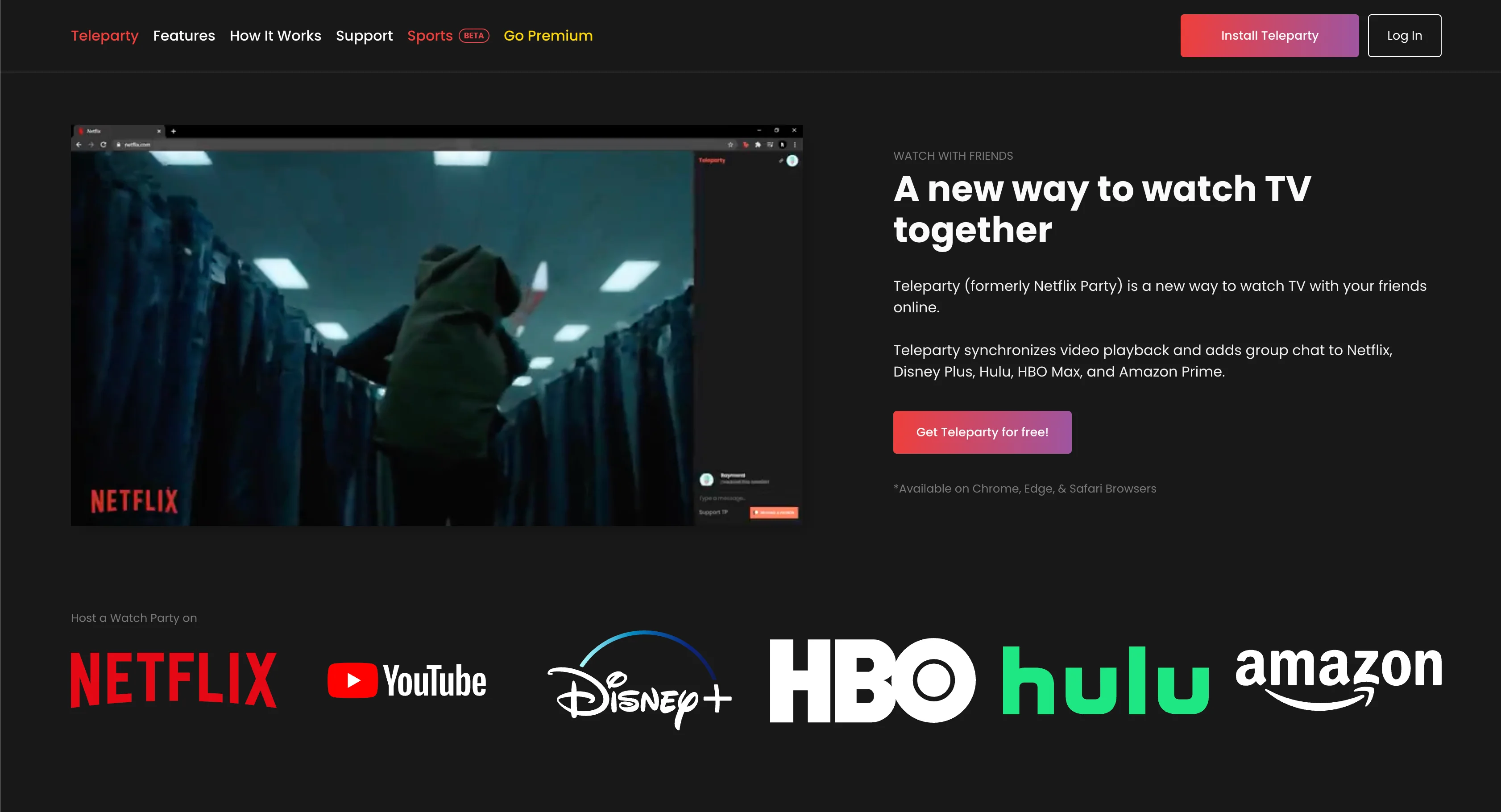
Watch party tools generally fall into two categories: extension-based tools designed to hook into paid subscription streaming services, and browser-native web apps designed for open video sharing.
Extension-based platforms like Teleparty allow you to synchronize playback on major DRM streaming sites (Netflix, Disney+, Max, Hulu, Prime Video), provided every viewer has an active paid account on that service (Teleparty support). In contrast, web-based tools prioritize zero friction, allowing viewers on any phone, tablet, or laptop to join directly via an invite link.
- Zero app installs: Modern web apps let mobile and desktop guests join directly through browser URLs
- Open media access: Watch YouTube, Twitch, Vimeo, and custom live streams without paywalls
- Built-in communication: Newer platforms include native voice chat alongside text reactions (e.g., PlayParty.io, Discord)
Advantages
- Official integrations with major paid streaming services (Netflix, Disney+, Max, Hulu, Prime)
- Established platform with a large existing user base
- Standalone mobile apps available for iOS and Android
Drawbacks & Limits
- Desktop browser extension (Chrome, Edge, Safari) required for desktop viewers
- All viewers must hold separate paid subscriptions to the same streaming service
- Built-in video and voice chat is locked behind Teleparty Premium ($3.99–$6.59/mo per Teleparty pricing)
- Free tier includes third-party advertisements in the side panel
If your group already has Netflix, Disney+, or Max subscriptions and everyone is on desktop Chrome, Teleparty's direct streaming integration means you don't need to find a separate video source. PlayParty is built for open web video (YouTube, Twitch, streams) rather than DRM subscription services.
1. PlayParty.io — Best for Fast, Frictionless Web Watch Parties
Visit Website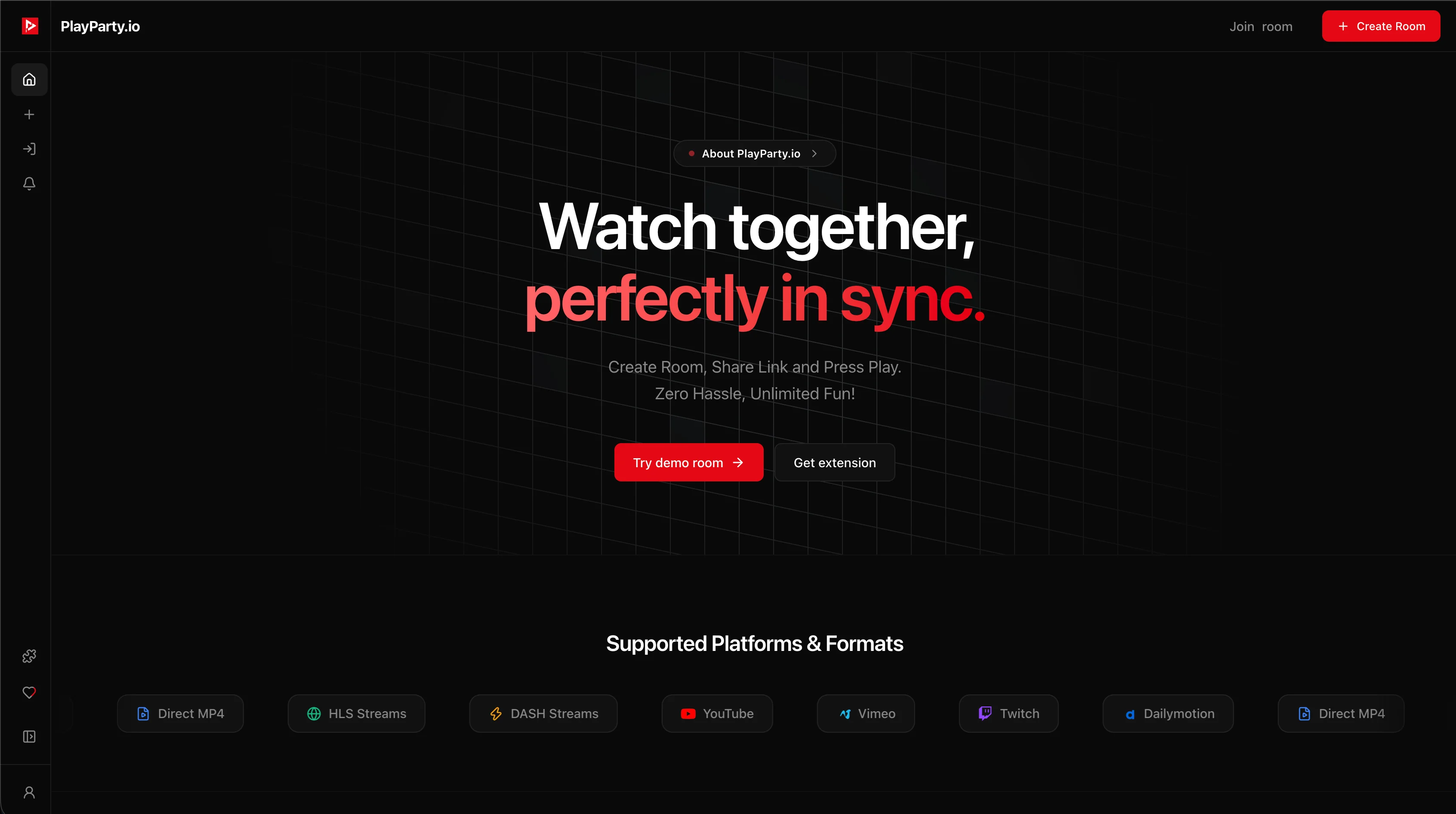
PlayParty.io is engineered specifically to eliminate setup friction for casual watch parties. The host creates a session, pastes a video link (YouTube, Twitch, Vimeo, or a direct stream URL), and shares the room link.
Guests join directly in their standard web browser on iPhone, Android, Mac, or Windows. Playback events stay synchronized with sub-50ms accuracy, and the room includes native, low-latency voice chat.
| Feature | PlayParty.io | Teleparty |
|---|---|---|
| Guest Extension Required? | No (100% Web App) | Yes on desktop (or separate mobile app) |
| Built-In Voice Chat | Yes (Free native browser voice) | Paid only (Teleparty Premium) |
| Supported Video Sources | YouTube, Twitch, Vimeo, HLS (.m3u8), MP4 | Netflix, Disney+, Max, Hulu, Prime, YouTube |
| Viewer Account Required? | No (Guests join via link) | Yes (Mandatory sign-in) |
| Subscription Needed for Content? | No (Free open web video) | Yes (Each viewer pays for streaming service) |
| Pricing | 100% Free | Free basic tier / Premium ($3.99–$6.59/mo) |
Advantages
- No extension or app download required for guests
- Built-in direct video search and instant URL loading
- Free built-in low-latency voice chat and text reactions
- Sub-50ms synchronization speed across all devices
- Native support for YouTube, Twitch, Vimeo, and live streams
- Free room password protection and host moderation controls
Drawbacks & Limits
- Does not natively sync private DRM services like Netflix (extension required for custom scraping)
PlayParty is engineered for zero-friction co-watching. With sub-50ms synchronized playback, built-in low-latency voice chat, and instant access across iPhone, Android, Mac, and PC, you can launch a watch party in seconds without browser extensions or account signups.
2. Watch2Gether (W2G) — Best for Shared YouTube & Music Playlists
Visit Website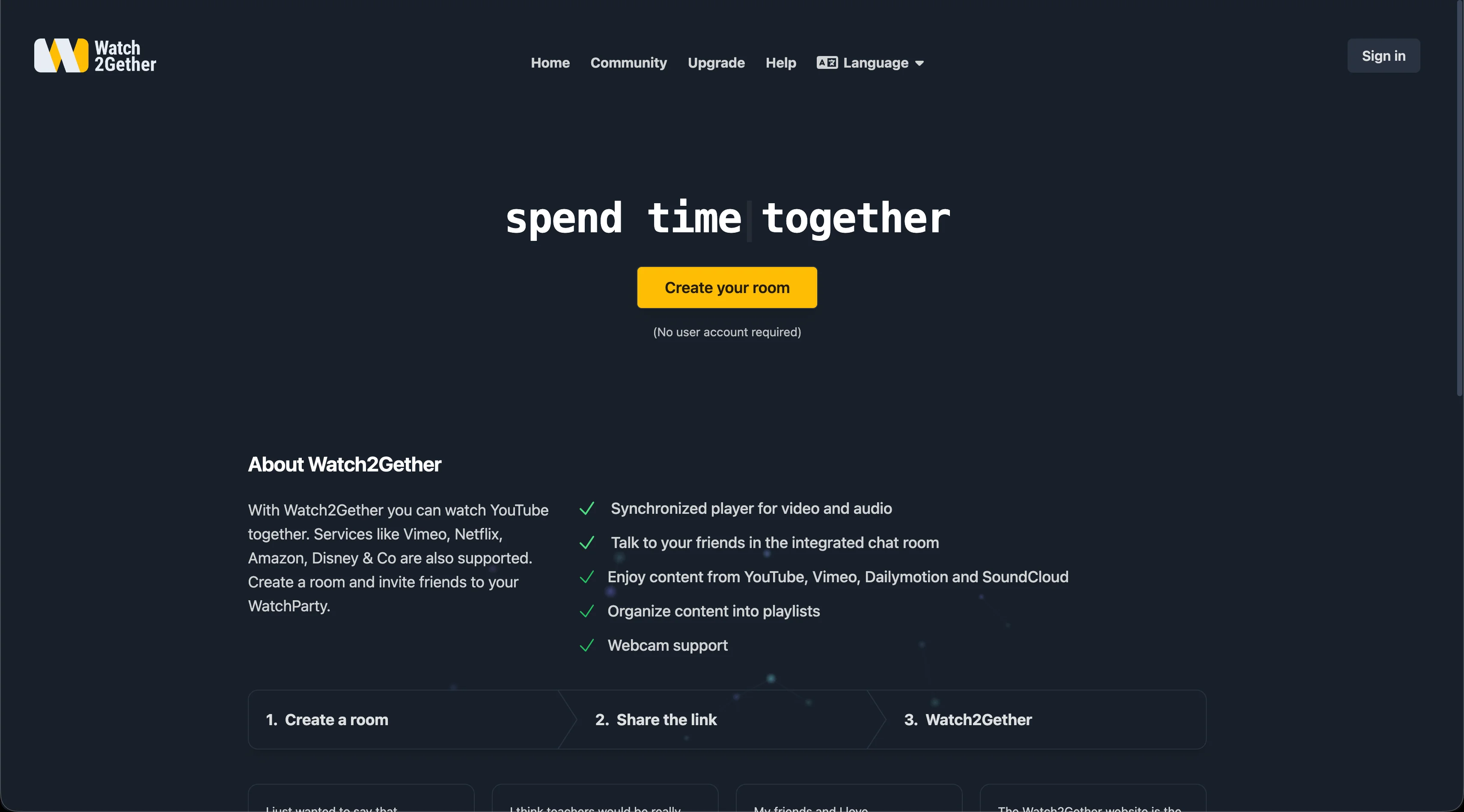
Watch2Gether is a classic web-based co-watching platform built around search-and-play queues for YouTube, Vimeo, Dailymotion, and SoundCloud. Basic watching runs in the browser without mandatory extensions.
The main trade-off on Watch2Gether's free tier is the presence of display banner ads. An optional browser extension (W2gSync) is available for external site syncing, and W2G PLUS removes ads for subscribers.
- Integrated search bar for YouTube, Vimeo, and SoundCloud within the room
- Collaborative playlist management where all members can queue tracks
- Optional W2gSync extension to sync media from unsupported websites
Advantages
- No browser extension required for standard YouTube queues
- Excellent shared playlist and music queue management
- Integrated webcam and mic chat support
Drawbacks & Limits
- Display banner ads on the free tier (ad-free requires W2G PLUS)
- Periodic sync intervals can cause 2–5s playback drift between viewers
- Advanced chat styling and moderation tools require paid subscription
If your primary goal is building a collaborative music and video playlist for a study session or casual hangout with SoundCloud and YouTube, Watch2Gether's queue management is very convenient.
3. Scener — Aimed at Virtual Theaters & Large-Scale Events
Visit Website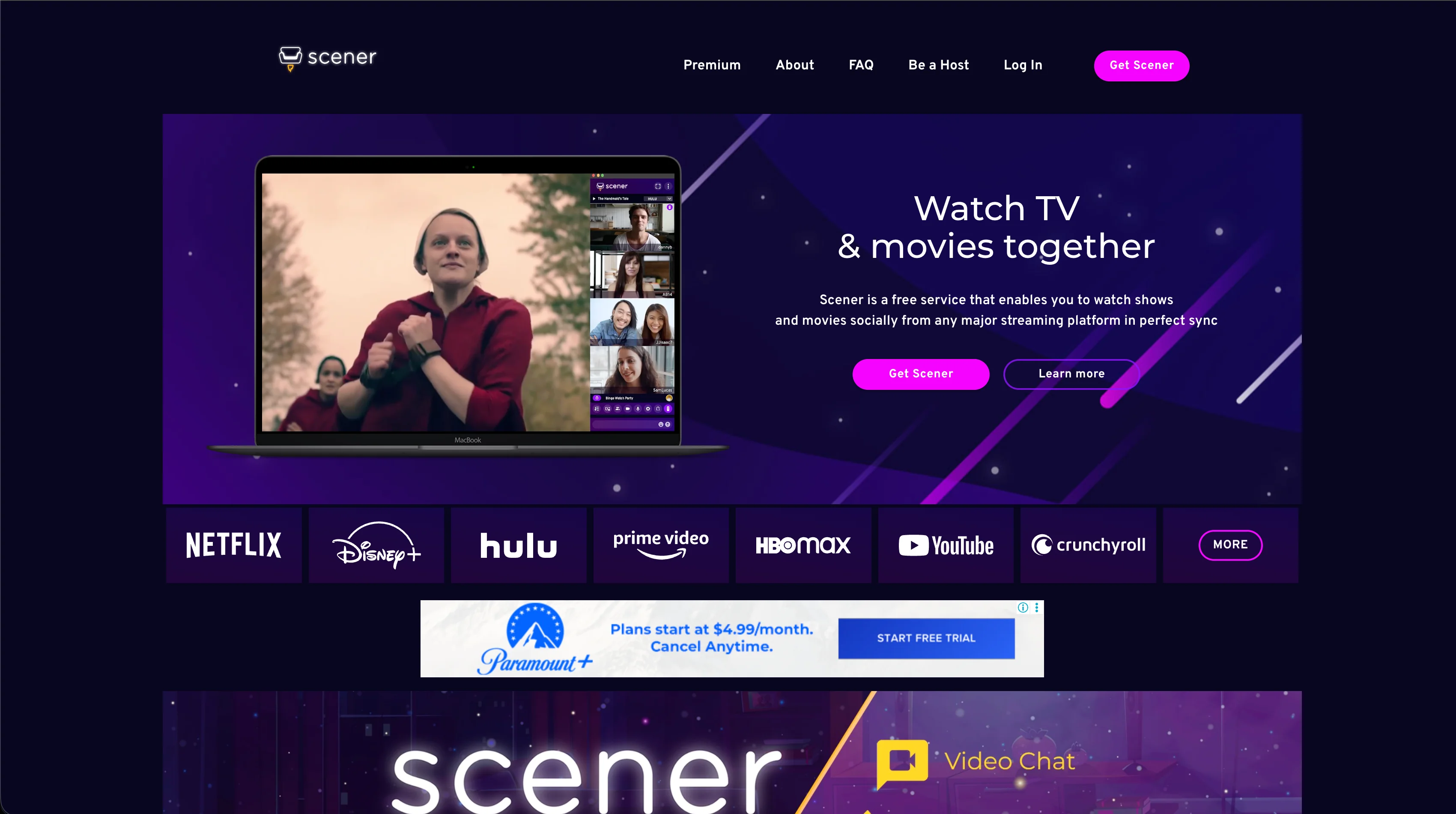
Scener positions itself as a virtual movie theater platform. It is designed for hosting public or private screening events with co-host webcam tiles and community discovery features.
Scener integrates with major subscription platforms (Netflix, Disney+, Max, Hulu, Prime Video) and offers Roku TV integration (Scener features). Full-featured hosting and joining on desktop requires the Scener Google Chrome extension.
- Virtual theater format with webcam tiles for co-hosts
- Roku TV app support to watch video on TV while chatting on phone
- Community discovery feed to find public watch parties and RSVP to events
Advantages
- Official integrations with major paid streaming platforms
- Webcam and audio chat support for multi-host virtual screenings
- Roku integration for big-screen television viewing
Drawbacks & Limits
- Requires Google Chrome desktop extension for desktop viewing
- Video and audio chat features require Scener Premium ($5.79/mo or $39.99/yr)
- All participants must have their own active paid subscriptions to the watched service
- Higher CPU and bandwidth requirements during multi-cam sessions
Scener's virtual theater format with co-host webcam tiles is better for large public screening events. Its Roku integration also lets you watch on TV while chatting on your phone — something PlayParty doesn't offer yet.
4. Discord Screen Share — Simple Fallback for Existing Voice Servers
Visit Website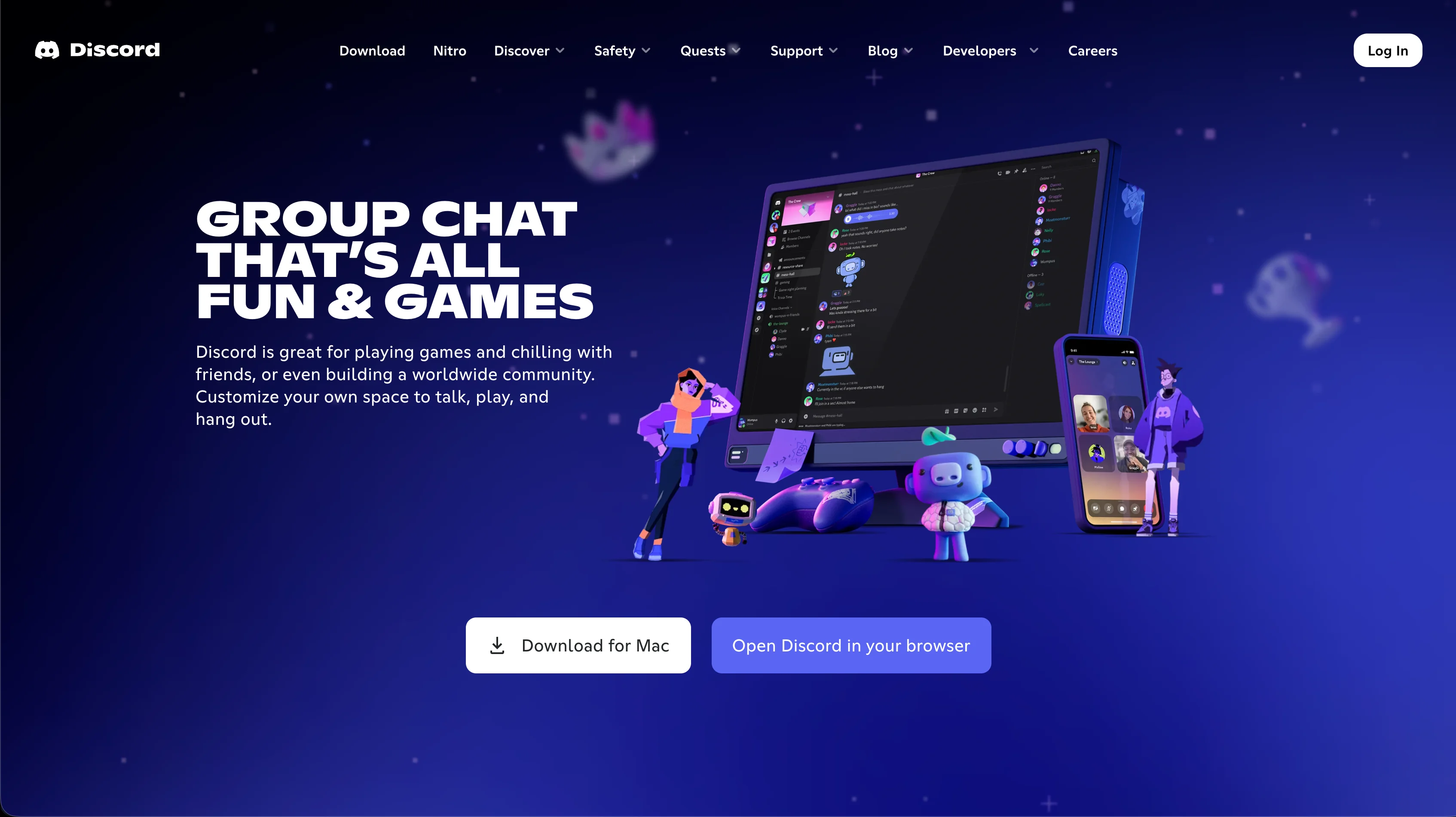
If your friend group is already hanging out in a Discord server, sharing your screen into a voice channel is a convenient option for short clips and casual browsing.
However, because Discord captures and re-encodes your entire screen, free accounts stream at 720p 30fps (Discord Nitro), and DRM-protected video streams often display as a black screen.
Advantages
- Directly integrated into Discord voice channels where friends already hang out
- Can share any desktop window, game, or browser tab
- High quality voice communication with noise suppression
Drawbacks & Limits
- Free accounts are capped at 720p 30fps (Nitro subscription required for 1080p/4K 60fps)
- Requires 5–10 Mbps continuous upload bandwidth from the host computer
- Protected video streams (DRM) frequently trigger black screen issues
- Viewers cannot adjust video volume independently from the host's broadcast volume
Discord is great for sharing gameplay or short clips. For full movies or YouTube watch parties, dedicated sync tools save bandwidth and deliver full 1080p quality.
Conclusion
Each watch party tool serves different needs. Teleparty and Scener are the strongest options for groups where everyone already pays for Netflix, Disney+, or Max. Discord works well for casual, short screen shares among friends already in a server. PlayParty.io is designed for groups who want to watch YouTube, Twitch, Vimeo, Dailymotion, or live broadcasts together with native search, Explore recommendation queues, democratic voting, and continuous zero-click autoplay without requiring any installs or subscriptions — though it does not currently support DRM streaming services like Netflix.