
Try PlayParty.io Right Now (Free & Instant)
Start a synchronized watch room in seconds and watch together with friends.
At a Glance
- Live HLS (.m3u8) and DASH (.mpd) streams power a major portion of online video, but traditional watch party tools cannot play direct stream links.
- PlayParty.io includes a built-in stream player that automatically synchronizes live playback across all connected browsers.
- The optional PlayParty browser extension can auto-detect media streams playing on any webpage and launch a watch room with one click.
From indie film screenings and developer conferences to private media feeds (Jellyfin / Plex / IPTV) and live tournament broadcasts, a large percentage of video on the web is delivered via live stream links (.m3u8 or .mpd). HLS (HTTP Live Streaming) was originally developed by Apple and is defined in RFC 8216, while DASH (Dynamic Adaptive Streaming over HTTP) is an ISO standard (ISO/IEC 23009-1). However, mainstream watch party tools like Teleparty or Scener do not support direct stream links. PlayParty.io provides native, low-latency stream synchronization for any live feed.
What Makes Synchronizing Live Streams Difficult?
Live streams divide video into continuous 2 to 6 second segments. HLS uses .m3u8 playlist files while DASH uses .mpd manifest files (Apple HLS docs). Because different browsers buffer and load data at varying speeds, viewers naturally drift apart by 10 to 30 seconds over time.
To keep everyone aligned, a watch party system must actively sync playback timing and buffer health across all participants in real time.
- Network fluctuations can cause video desynchronization
- Buffer differences lead to noticeable time drift between viewers
- Most legacy tools (Teleparty, Scener) fail to parse custom stream links directly — they only support specific streaming service URLs
Make sure your custom stream link is accessible and allows web browser playback so all room participants can view it simultaneously.
How PlayParty.io Handles Custom Stream Synchronization
Visit Website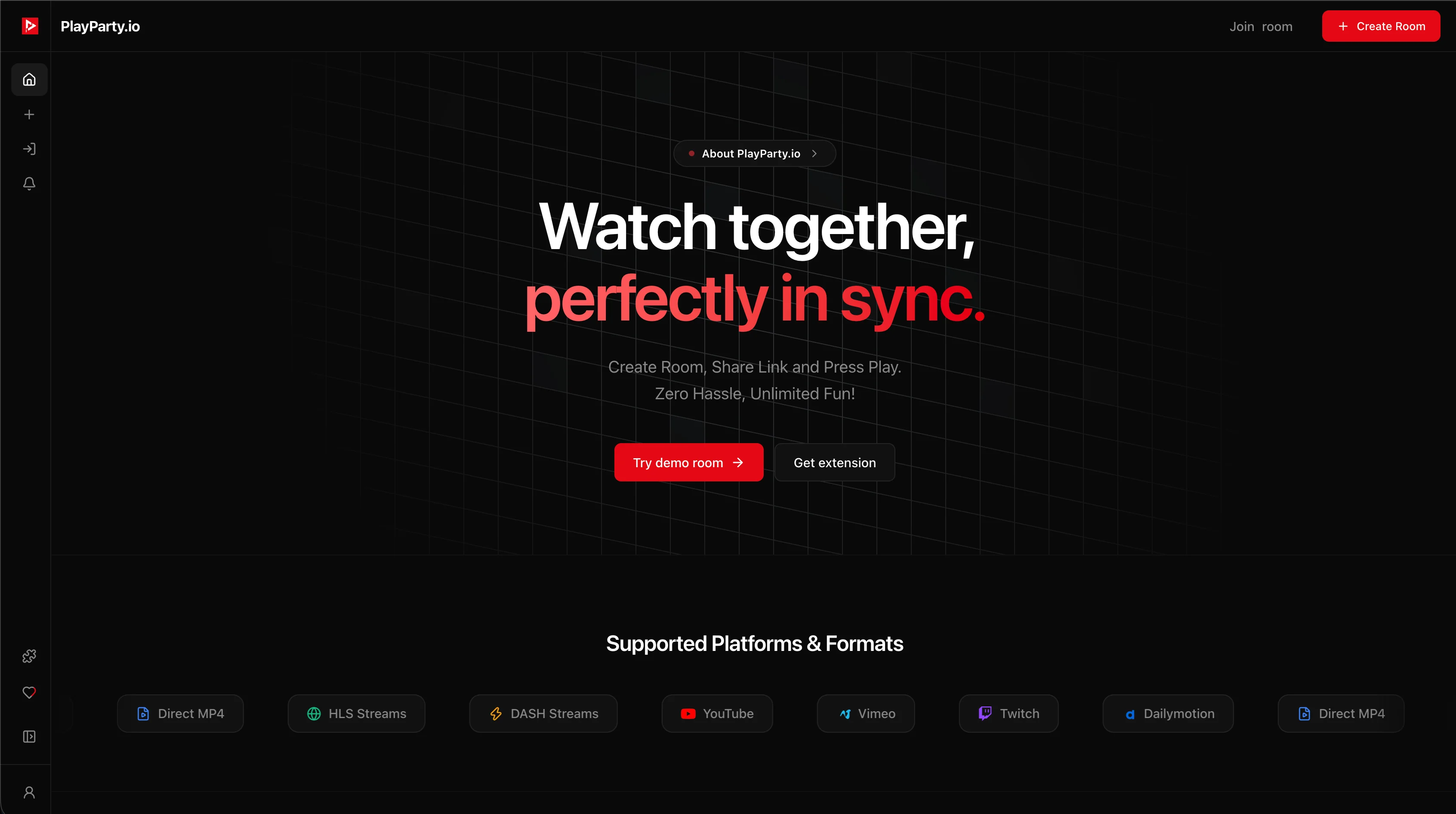
PlayParty features a built-in player that parses stream feeds, handles adaptive quality, and synchronizes playback timing across all connected participants.
- 1. Copy the direct
.m3u8or.mpdstream link from your source - 2. Paste the URL into PlayParty.io to create an instant room
- 3. Share the room link with your group
- 4. Video plays in sub-50ms sync across desktop and mobile web browsers without extra software
With the PlayParty Chrome/Edge extension, you can navigate to any website playing a video stream and click 'Watch Together' to automatically launch a synchronized room.
Common Sources for HLS and DASH Streams
HLS and DASH streams come from a variety of sources. Understanding where your stream link originates helps ensure all participants can access it.
- Jellyfin, Plex, and Emby media servers generate
.m3u8links for local media libraries - IPTV providers deliver live TV via HLS streams
- Twitch and YouTube also use HLS internally for live delivery
- Sports and esports tournament feeds are often distributed as raw
.m3u8links - Developer conferences and live events frequently stream via HLS or DASH
For a watch party to work, the stream link must be accessible to all participants. Private or authenticated streams that require login credentials will not work for all room members.
Conclusion
Whether you are hosting private Jellyfin screenings, co-watching an IPTV feed, or syncing an indie festival premiere, PlayParty.io makes custom live stream synchronization straightforward and free. Note that mainstream tools like Teleparty and Scener do not support raw .m3u8 or .mpd links — if your group watches content from non-standard sources, a browser-native tool with stream parsing is necessary.