
Try PlayParty.io Right Now (Free & Instant)
Start a synchronized watch room in seconds and watch together with friends.
At a Glance
- Trying to count down and press play manually over separate call apps results in 1 to 3 seconds of annoying drift.
- PlayParty.io lets you paste any public or unlisted YouTube video URL to create an instant synchronized room.
- Rooms include built-in voice chat, live text reactions, and optional password protection with zero extension installs.
Trying to press 'play' at the exact same second over separate phone calls is frustrating and never matches up accurately. According to Backlinko's YouTube statistics, YouTube has over 2.58 billion active users, making it the most common source for shared video watching. Here is how to host a synchronized YouTube watch party with built-in voice chat in under 30 seconds using PlayParty.io.
Step 1: Open PlayParty.io and Paste Your Video Link
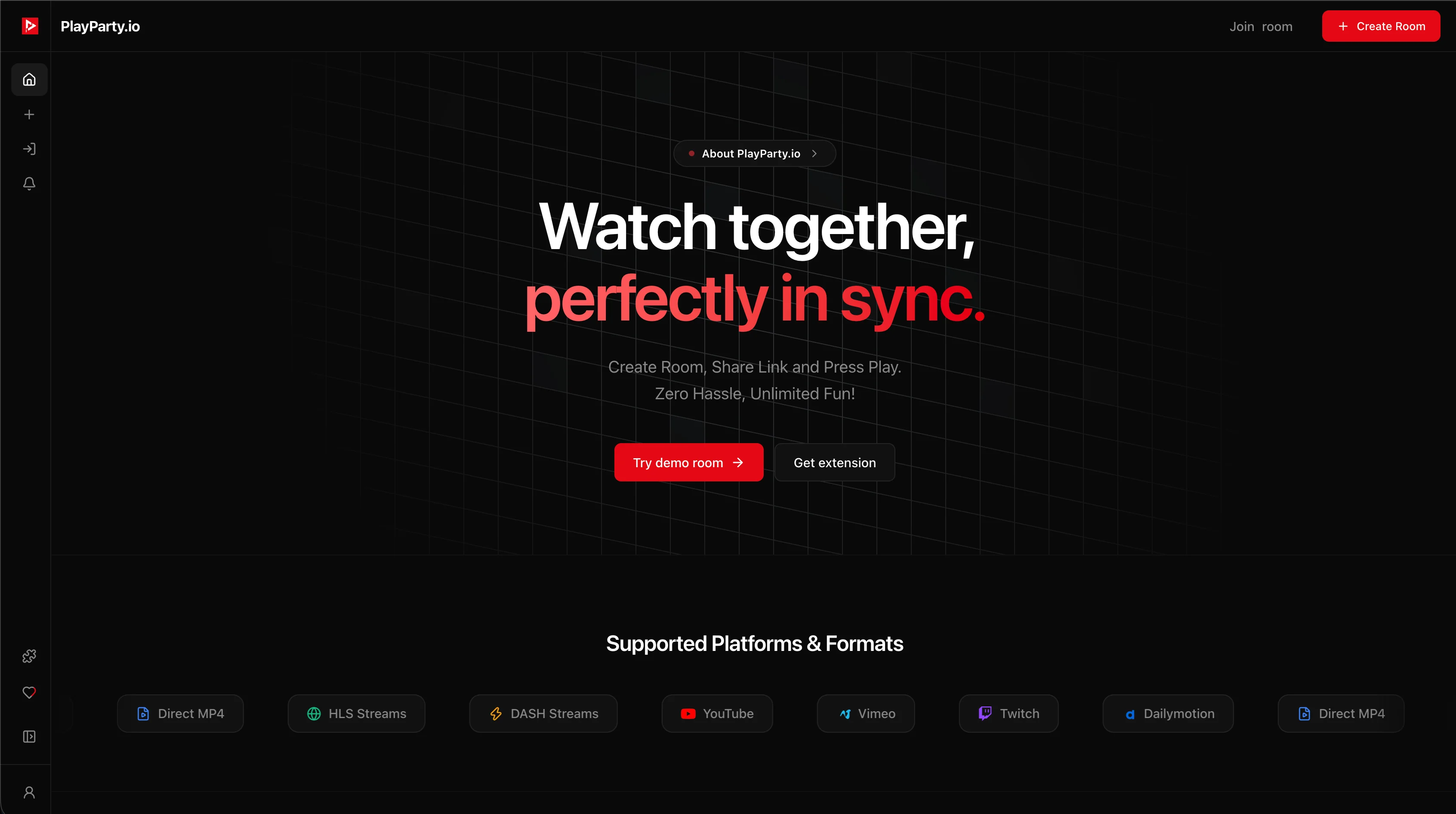
Head to PlayParty.io and paste any public or unlisted YouTube video link into the main input field (YouTube embed settings determine whether unlisted videos can be embedded). Your room is created immediately. You do not need to install browser extensions or setup third-party calling software.
Step 2: Share the Room Link with Friends
Click the 'Share' button inside the room to copy your unique room URL and send it to your friends.
When friends click the link, they enter your room in their browser. Whenever anyone plays, pauses, or seeks, everyone's player responds within 50 milliseconds.
Step 3: Talk with Built-In Voice Chat, Explore Recommendations, & Democratic Voting
Enable your microphone to talk to friends directly through PlayParty's built-in voice chat without needing separate calling apps.
Use the native in-room search bar to look up YouTube videos directly inside the room without leaving the tab. Plus, every room features an Explore tab with 20 video recommendations and a democratic upvoting system: non-host and host participants can upvote videos to play next.
When a video finishes, PlayParty automatically autoplays the highest-voted video (or top recommendation) for seamless, zero-click binge watching or non-stop music sessions.
When YouTube's Built-In Features Are Enough
YouTube offers some native sharing features that may work for very small groups:
- YouTube 'Watch Together' on mobile lets you add videos to a shared queue (limited to YouTube content, no voice chat)
- YouTube Live chat is built into live streams for text-based interaction
- Google Meet screen sharing can share a YouTube tab, but viewers see the host's browser, not their own player
YouTube's native sharing features lack built-in voice chat and real-time playback sync. For groups larger than 2-3 people, a dedicated sync tool prevents the '3-2-1 countdown' coordination problem.
Conclusion
PlayParty gives you a simple, all-in-one way to watch YouTube together and talk with friends on any phone, tablet, or laptop. For groups of 2-3 people who just want to watch a single video, YouTube's built-in 'Watch Together' feature or a Google Meet screen share may be simpler. For larger groups or multi-video sessions, dedicated sync tools prevent coordination headaches.