
Try PlayParty.io Right Now (Free & Instant)
Start a synchronized watch room in seconds and watch together with friends.
At a Glance
- Rave requires every viewer to install a dedicated mobile or desktop app, create accounts, and watch intrusive ads unless paying for Rave Premium.
- Browser-native alternatives like PlayParty.io allow anyone on PC, Mac, iPhone, or Android to join instantly with a single web link — zero downloads or sign-ups required.
- PlayParty delivers frame-accurate sub-50ms synchronization, native in-room video search (YouTube, Twitch, Vimeo, Dailymotion), democratic upvoting with continuous autoplay, and free built-in voice chat without banner ads.
Rave popularized synchronized video streaming on mobile devices (Rave). By allowing friends on smartphones to watch YouTube, Netflix, and listen to music together, it established a sizable mobile user base on Google Play and their official website (rave.io). Following its removal from the Apple App Store, users on iOS, macOS, and desktop PCs increasingly turn to web-native platforms. However, as group movie nights happen across laptops, desktop PCs, and mixed operating systems, Rave's limitations have become clear: mandatory software downloads for all participants, aggressive interstitial advertisements on the free tier, rapid smartphone battery drain, and the lack of a lightweight web client. If you are searching for the best Rave app alternative for PC, Mac, and mobile with zero downloads and no ads, here is an in-depth breakdown of the top platforms available in 2026.
Why Users Are Searching for Rave Alternatives in 2026
Visit Website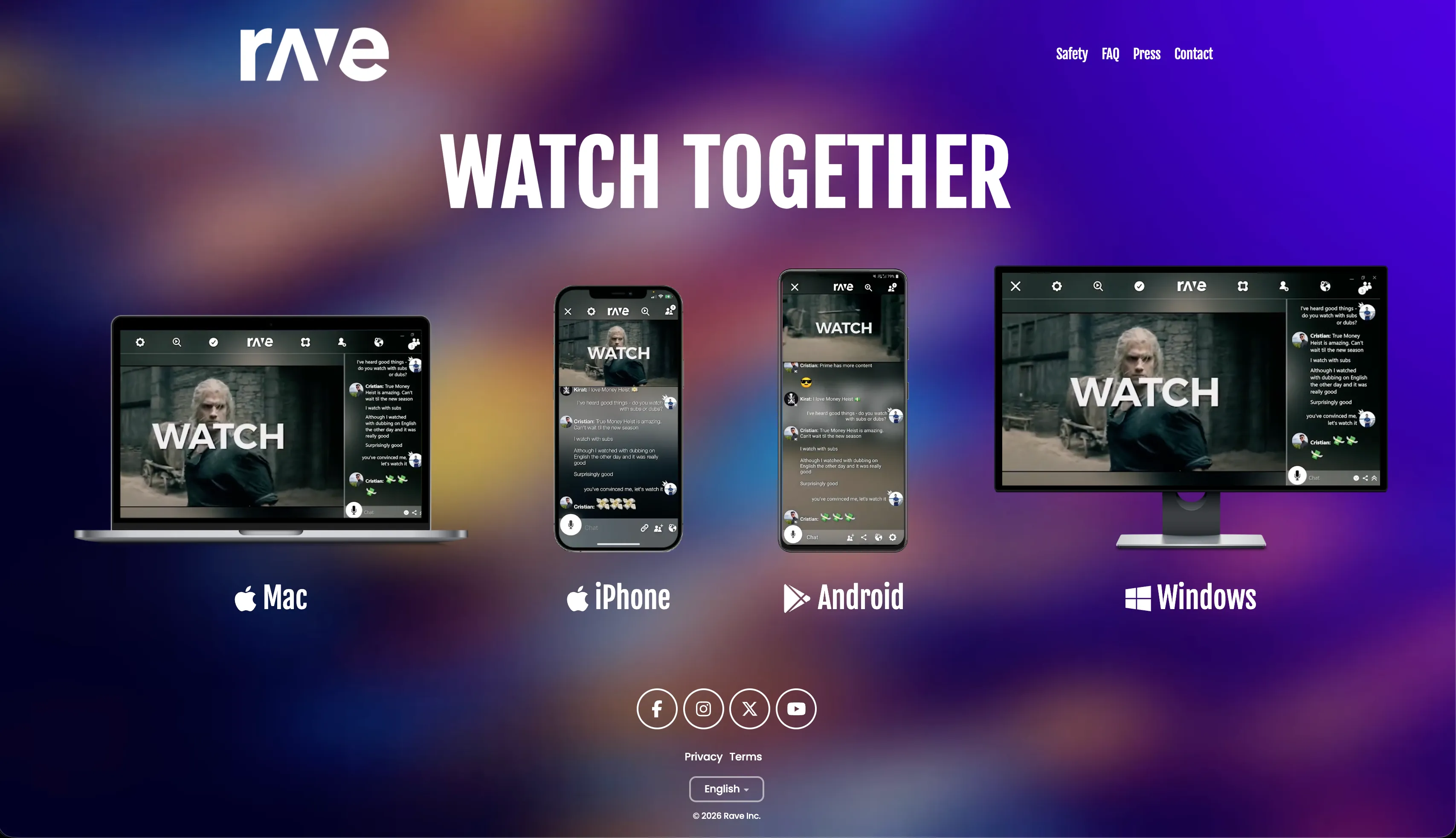
In our testing across desktop and mobile browsers, the primary friction point with Rave is its mandatory app download model. Every guest in your group must install the application, grant device permissions, and register an account before joining a session.
In casual group settings, asking friends to install new software creates immediate drop-off. Furthermore, Rave's free tier serves interstitial video ads and banner placements between and during playback sessions unless all users subscribe to Rave Premium.
On smartphones, simultaneous video decoding, audio syncing, and chat can also lead to heavy battery drain and thermal throttling. As a result, groups are shifting toward lightweight browser-based solutions.
- Mandatory app installation: No instant browser link joining for guests without the app
- Ad interruptions & paywalls: Video and banner ads interrupt watch parties on the free tier
- Account signup barrier: Mandatory account creation before entering any room
- Heavy resource usage: Noticeable battery drain, phone heating, and mobile data usage
- Limited desktop experience: Primarily designed as a mobile webview rather than a responsive desktop web application
Advantages
- Mobile-first design with built-in integrations for Netflix and Amazon Prime Video
- RaveDJ feature allows basic AI mashups of YouTube and Spotify tracks
- Available across iOS, Android, macOS, and Windows store packages
Drawbacks & Limits
- Every guest must download and install the app or client
- Intrusive interstitial video ads and banner ads on the free tier
- Mandatory account registration required before joining rooms
- Frequent playback and audio desynchronization over variable network connections
- Substantial mobile battery consumption and device heating
If your friend group is strictly on mobile phones and everyone wants to watch DRM subscription catalogs like Netflix or Amazon Prime Video through their own individual paid accounts inside an app webview, Rave remains a viable option. In contrast, PlayParty is built for open web video (YouTube, Twitch, live streams, and direct video files) with zero downloads.
1. PlayParty.io — Best Overall Rave Alternative for PC, Mac & Mobile (100% Ad-Free)
Visit Website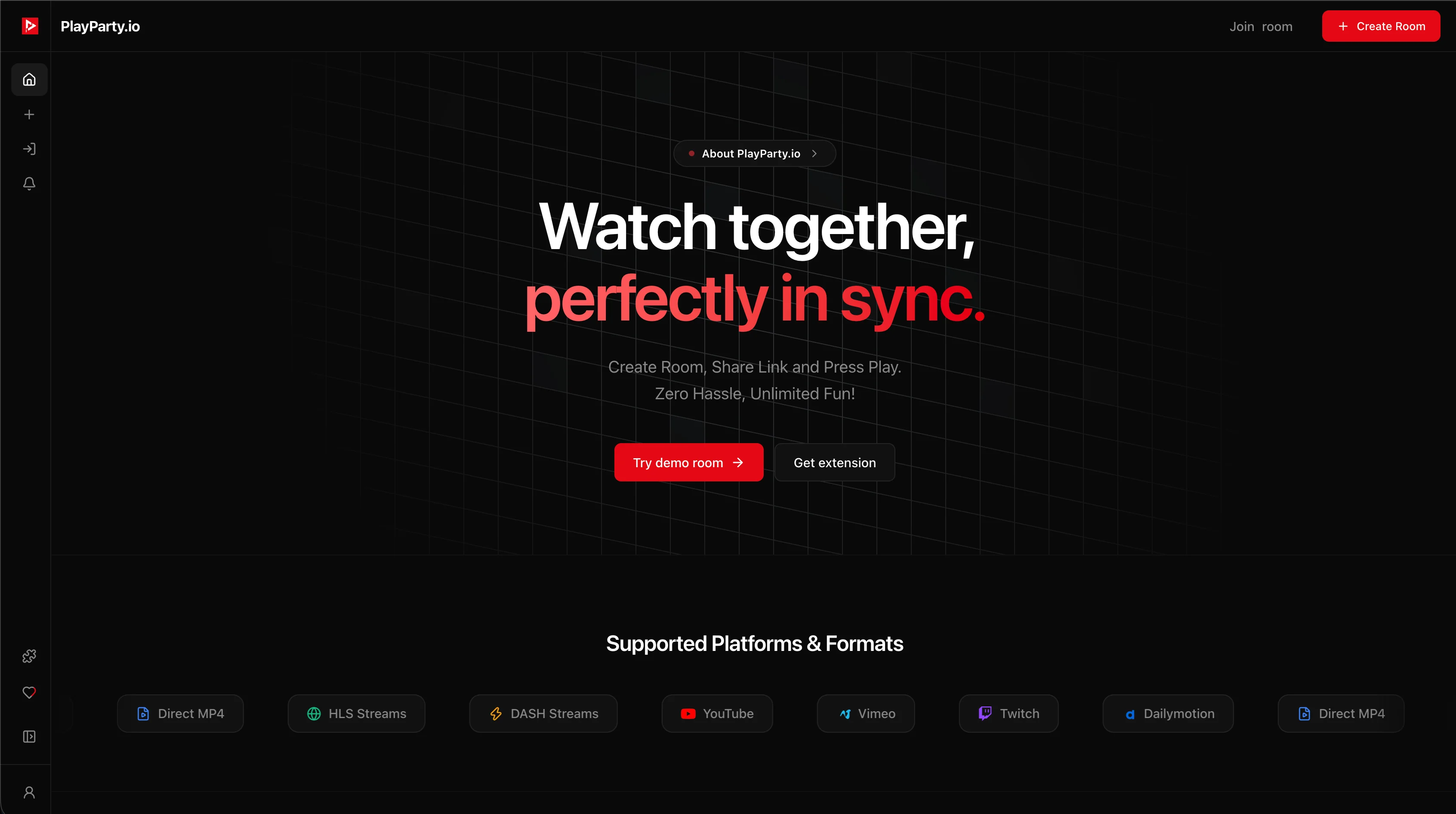
PlayParty.io was built from the ground up to solve the friction of modern watch parties. Unlike Rave, PlayParty is a 100% browser-native platform: hosts create a private room with one click, paste a video link or search directly inside the room, and share the room URL.
Guests on Windows, macOS, Linux, iPhone, iPad, or Android click the link and join instantly in their default browser without installing software or creating an account. PlayParty is completely ad-free with zero banner ads, popups, or paywalls.
We engineered PlayParty with a precision clock synchronization engine operating at sub-50ms latency. In addition, each room includes a 20-video Explore recommendation queue where guests can democratically upvote what plays next, seamless zero-click autoplay for non-stop group sessions, native YouTube Live broadcast sync (esports, news, 24/7 music), custom animated GIF avatar uploads, and built-in low-latency WebRTC voice rooms.
| Feature | PlayParty.io | Rave App |
|---|---|---|
| Installation Required? | No (100% Web Browser Native) | Yes (Mandatory App / Client Download) |
| Ads & Popups | Zero (100% Ad-Free) | Banner & Video Ads on Free Tier |
| Guest Account Required? | No (Instant nickname join) | Yes (Mandatory Sign-Up / Login) |
| Playback Sync Latency | Sub-50ms real-time precision | Variable (Prone to drift & buffering) |
| Supported Platforms | PC, Mac, Linux, iOS, Android (All Browsers) | iOS, Android, Windows/Mac Apps |
| In-Room Video Search | Native (YouTube, Twitch, Vimeo, Dailymotion) | Integrated in-app search |
| Continuous Autoplay Feed | Yes (Explore tab + Democratic upvoting) | Playlist queue only |
| Built-In Voice Chat | Yes (Free low-latency WebRTC voice) | Yes (Built-in VoIP) |
| YouTube Live Broadcasts | Yes (Sub-50ms frame-accurate sync) | Limited / prone to desync |
| Pricing | 100% Free Forever | Free (Ad-supported) / Premium ($2.99–$4.99/mo) |
Advantages
- Zero downloads: Works instantly across all browsers on desktop, laptop, tablet, and mobile
- 100% ad-free experience with zero banner ads, popups, or interstitial video ads
- No sign-up or registration required for guests to join and participate
- Ultra-low latency sub-50ms synchronization engine prevents audio/video drift
- Native in-room search for YouTube, Twitch, Vimeo, and Dailymotion without leaving the room
- Explore tab with 20 curated recommendations, community upvoting, and zero-click autoplay
- Built-in free WebRTC voice chat and animated GIF profile picture customization
- Support for custom HLS (.m3u8) live streams and direct MP4 video files
Drawbacks & Limits
- Does not natively support DRM subscription services like Netflix without the PlayParty browser extension
PlayParty.io removes the setup barrier entirely. Guests join in one click from any device, watch in sub-50ms sync with crystal-clear voice chat, and enjoy an entirely ad-free experience.
2. Watch2Gether (W2G) — Classic Web Co-Watching Alternative
Visit Website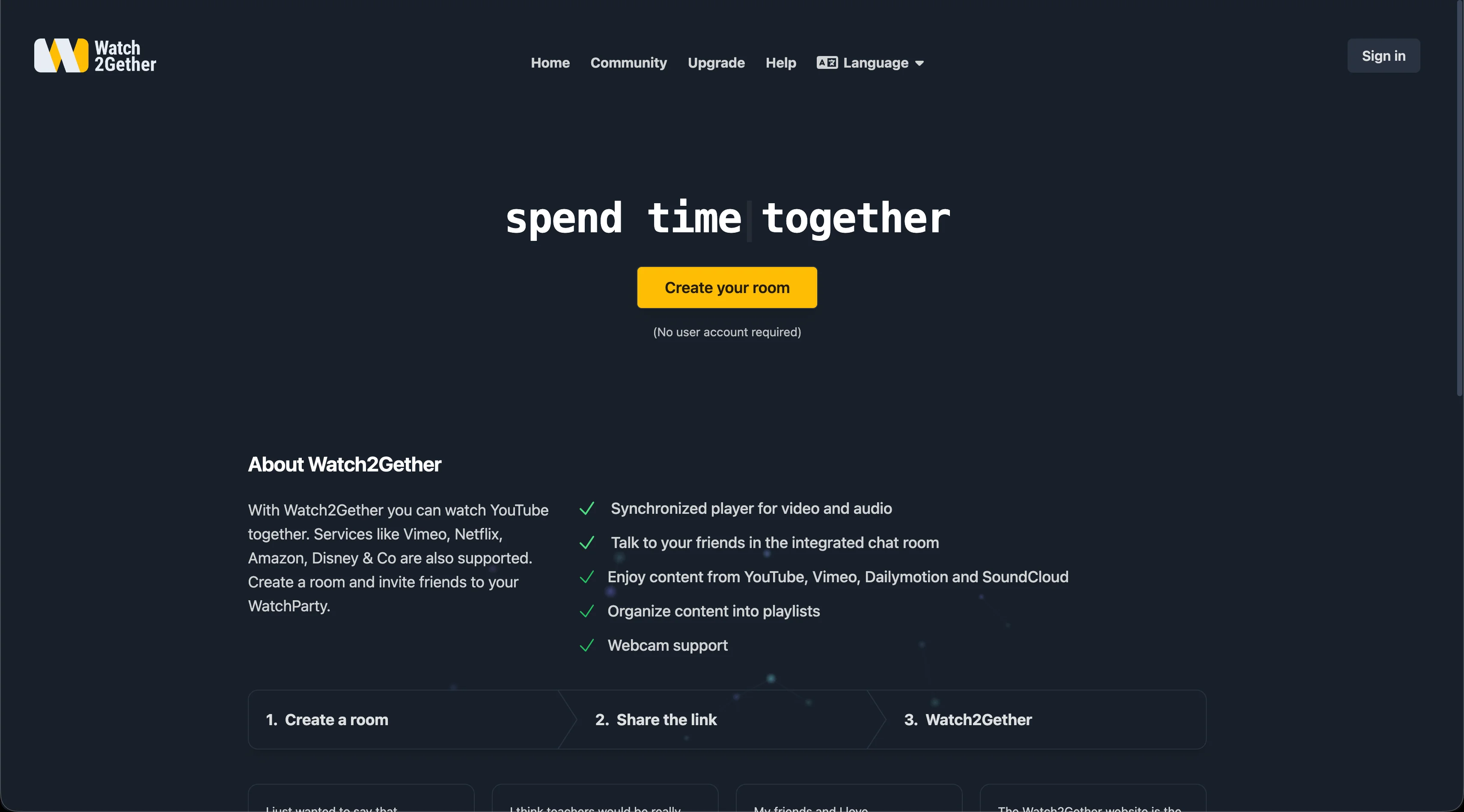
Watch2Gether (W2G) is one of the oldest web-based watch party tools on the internet (Watch2Gether). It allows users to create shared rooms and search for YouTube, Vimeo, Dailymotion, and SoundCloud tracks.
Unlike Rave, Watch2Gether runs directly in web browsers without mandatory mobile app installations. However, its free tier displays banner advertisements around the video canvas, and its synchronization mechanism relies on periodic sync checks rather than continuous sub-50ms clock alignment, leading to occasional 2–4 second playback drift over extended watch parties.
For a detailed feature breakdown, read our guide on Watch2Gether alternatives.
- Direct browser access for PC and mobile users
- Built-in search engine for YouTube and SoundCloud media
- Integrated webcam and microphone support
- Display banner ads present on the free tier (ad removal requires W2G PLUS at $3.99/mo)
Advantages
- No software installation needed for basic browser rooms
- Good support for YouTube and SoundCloud playlists
- Integrated webcam and voice communication
Drawbacks & Limits
- Banner ads placed around the video player on the free plan
- Periodic sync checks can cause 2–4 second drift over long videos
- Live YouTube streams and Premieres frequently experience desynchronization
- Custom chat styling and advanced moderation locked behind paid subscription
Watch2Gether is well-suited for groups that specifically want SoundCloud audio integration alongside YouTube, provided participants do not mind banner ads on the free tier.
3. Kosmi — Virtual Hangout Rooms with Screen Sharing & Games
Visit WebsiteKosmi is a browser-based virtual hangout platform that combines video watching, casual retro games, and browser-based screen sharing (Kosmi).
If your group wants to hang out in a virtual room, chat over webcam, play mini-games, and occasionally share a browser tab to watch videos together, Kosmi is a capable alternative to Rave. However, because video watching frequently relies on WebRTC screen sharing rather than direct server-side video synchronization, video quality depends heavily on the host's upload bandwidth and CPU power.
- Browser-based virtual room system with customizable room themes
- Built-in mini-games and retro console emulators for group entertainment
- Webcam, microphone, and screen-sharing capabilities
- Requires solid upstream bandwidth for high-definition video streaming
Advantages
- No downloads required; runs directly in web browsers
- Fun casual mini-games and hangout features beyond just video
- Supports screen sharing for unsupported streaming websites
Drawbacks & Limits
- Screen sharing requires significant host upload speed and processing power
- Not optimized for automated video queues or YouTube autoplay feeds
- Can feel complex for users who just want to paste a video URL and watch instantly
Kosmi is the better choice if your priority is playing retro emulator games or card games with friends inside a virtual browser room rather than dedicated synchronized video streaming.
4. Teleparty (formerly Netflix Party) — Best for DRM Subscription Services
Visit Website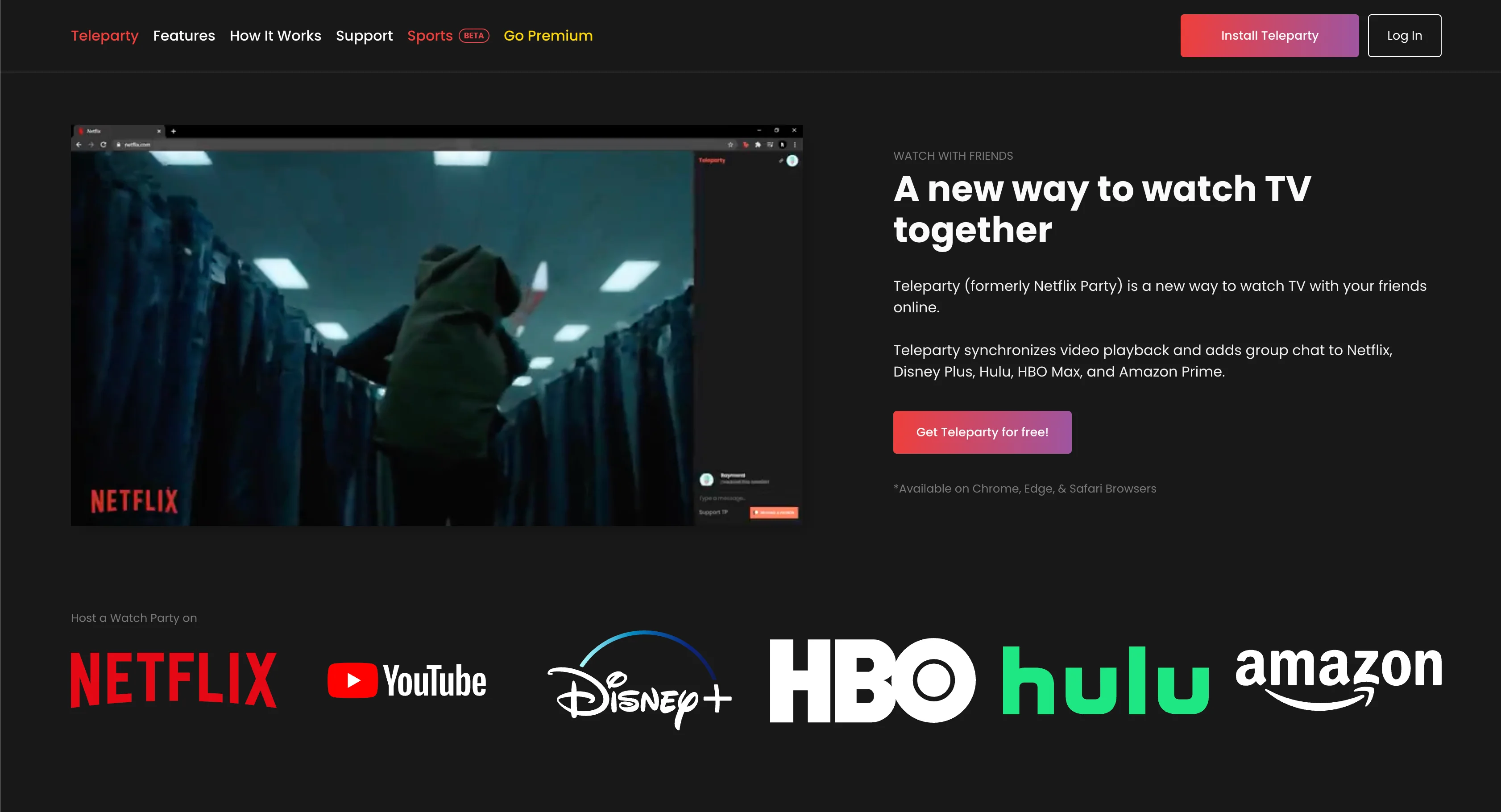
Teleparty is the standard choice for groups who specifically want to watch subscription-based streaming platforms such as Netflix, Disney+, Max, Hulu, and Amazon Prime Video (Teleparty).
Unlike Rave, which runs inside a mobile webview app, Teleparty operates as a browser extension on Chrome, Edge, and Safari for desktop computers, alongside dedicated mobile apps. However, every participant in the room must possess their own active paid subscription to the selected streaming service, and desktop users must install the browser extension.
For more details, see our comparison of the best Teleparty alternatives.
- Deep integration with major paid streaming services (Netflix, Disney+, Max, Hulu, Prime Video)
- Synchronized video playback with side-panel text chat and reactions
- Requires desktop browser extension installation and individual paid accounts
- Voice and video chat features require Teleparty Premium ($3.99–$6.59/mo)
Advantages
- Direct synchronization for major DRM subscription catalogs
- Widely recognized brand with large existing user community
Drawbacks & Limits
- Every viewer must hold an active paid subscription to the same streaming service
- Desktop users must install browser extensions
- Integrated voice and video chat requires a paid monthly subscription
- Free tier includes third-party advertisements in the sidebar
Teleparty is the ideal tool when your entire watch group has active paid subscriptions to Netflix, Disney+, or Max and everyone is on desktop Chrome. PlayParty focuses on free open web video and live streams rather than DRM paywalls.
5. Discord (Screen Share & Watch Together) — Best for Gaming Communities
Visit Website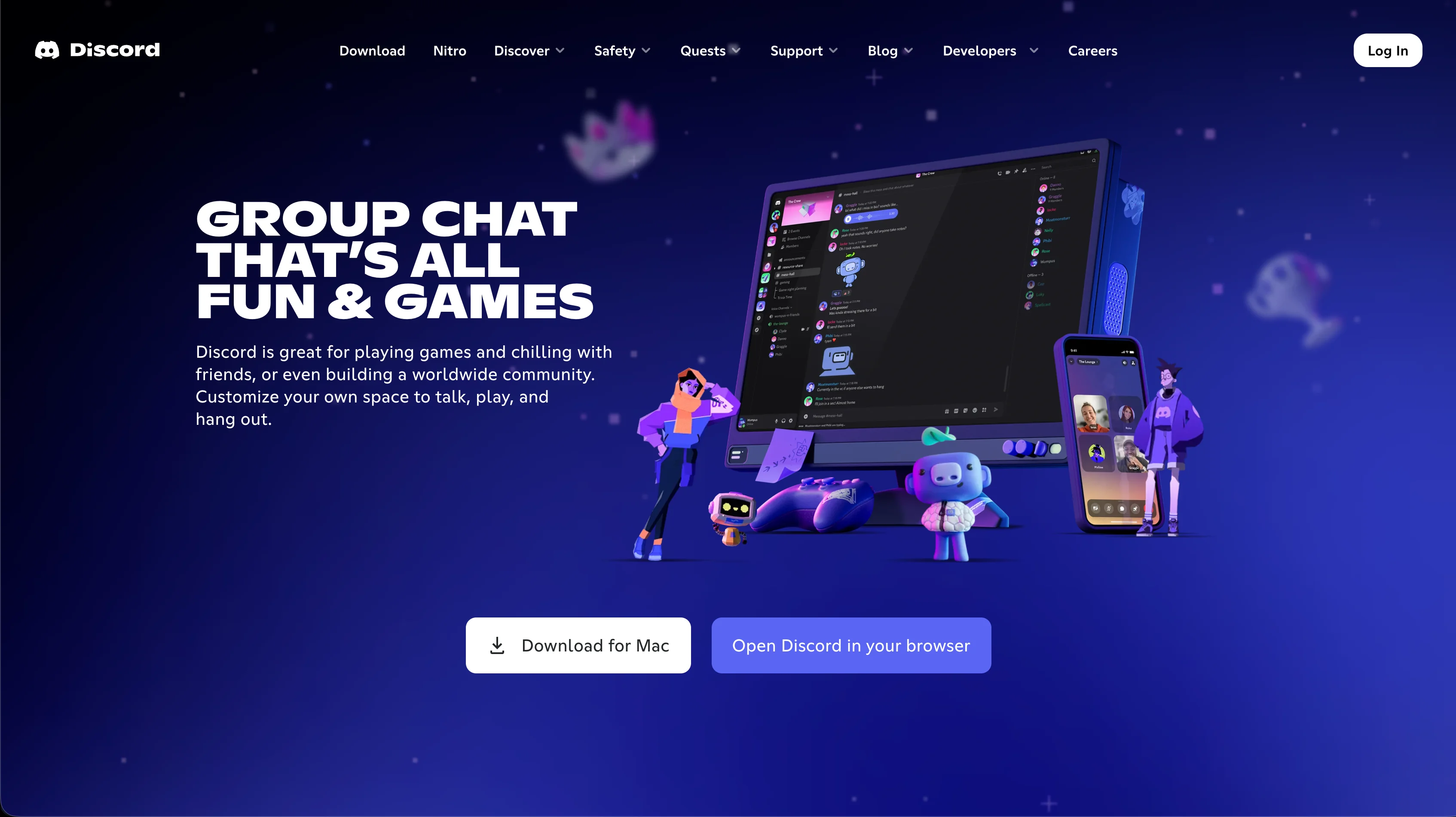
For friend groups and gaming communities that already spend time in voice channels (Discord), using Discord Screen Share or the built-in Watch Together activity is a common alternative to Rave.
Discord provides reliable voice infrastructure and lets you stream your screen or launch YouTube activities inside a voice call. However, guests must have Discord accounts, install the desktop/mobile client for optimal performance, and high-framerate 1080p/60fps screen streaming requires a paid Discord Nitro subscription ($9.99/mo).
To learn more about optimizing screen share sessions, read our guide on Discord streaming alternatives.
- Integrated inside existing Discord servers and private group DMs
- Exceptional low-latency voice and video infrastructure
- Free tier screen sharing is capped at 720p/30fps (Nitro required for 1080p/4K 60fps)
- All participants must have Discord accounts and join the same server/call
Advantages
- Convenient for groups already actively using Discord voice channels
- Can share any local window, emulator, or browser tab
- Industry-standard voice communication quality
Drawbacks & Limits
- All viewers must have Discord accounts and software
- Free screen sharing limited to 720p 30fps with compression artifacts
- No native video queue, Explore feed, or democratic upvoting system
- Heavy CPU and memory overhead compared to lightweight browser tools
Discord is best if your group is already hanging out in an existing Discord gaming server and wants to share a local video file, desktop window, or game stream directly over a voice call.
Conclusion
While Rave succeeded in popularizing mobile watch parties, its intrusive advertisements, mandatory app downloads, account creation barriers, and smartphone battery strain make it less than ideal for modern, versatile watch parties. If you want a fast, zero-friction, and 100% ad-free alternative that runs instantly on PC, Mac, iPhone, and Android with sub-50ms real-time sync, native in-room search, and free voice chat, PlayParty.io is the clear top choice in 2026.