
Try PlayParty.io Right Now (Free & Instant)
Start a synchronized watch room in seconds and watch together with friends.
At a Glance
- Avoid tools that force desktop extension downloads or require juggling separate third-party voice apps.
- PlayParty.io connects any mobile or desktop web browser to the same synchronized room in under 10 seconds.
- Use PlayParty's built-in, low-latency voice chat to talk and react in real time without external call apps.
Whether you are in a long-distance relationship or catching up with friends across different time zones, virtual movie nights are one of the best ways to stay connected. However, troubleshooting browser extensions or having to juggle separate phone calls and video streams ruins the mood. Here is a simple, all-in-one guide to hosting a seamless watch party in 2026.
1. Pick an All-in-One Platform with Built-In Voice Chat
Visit Website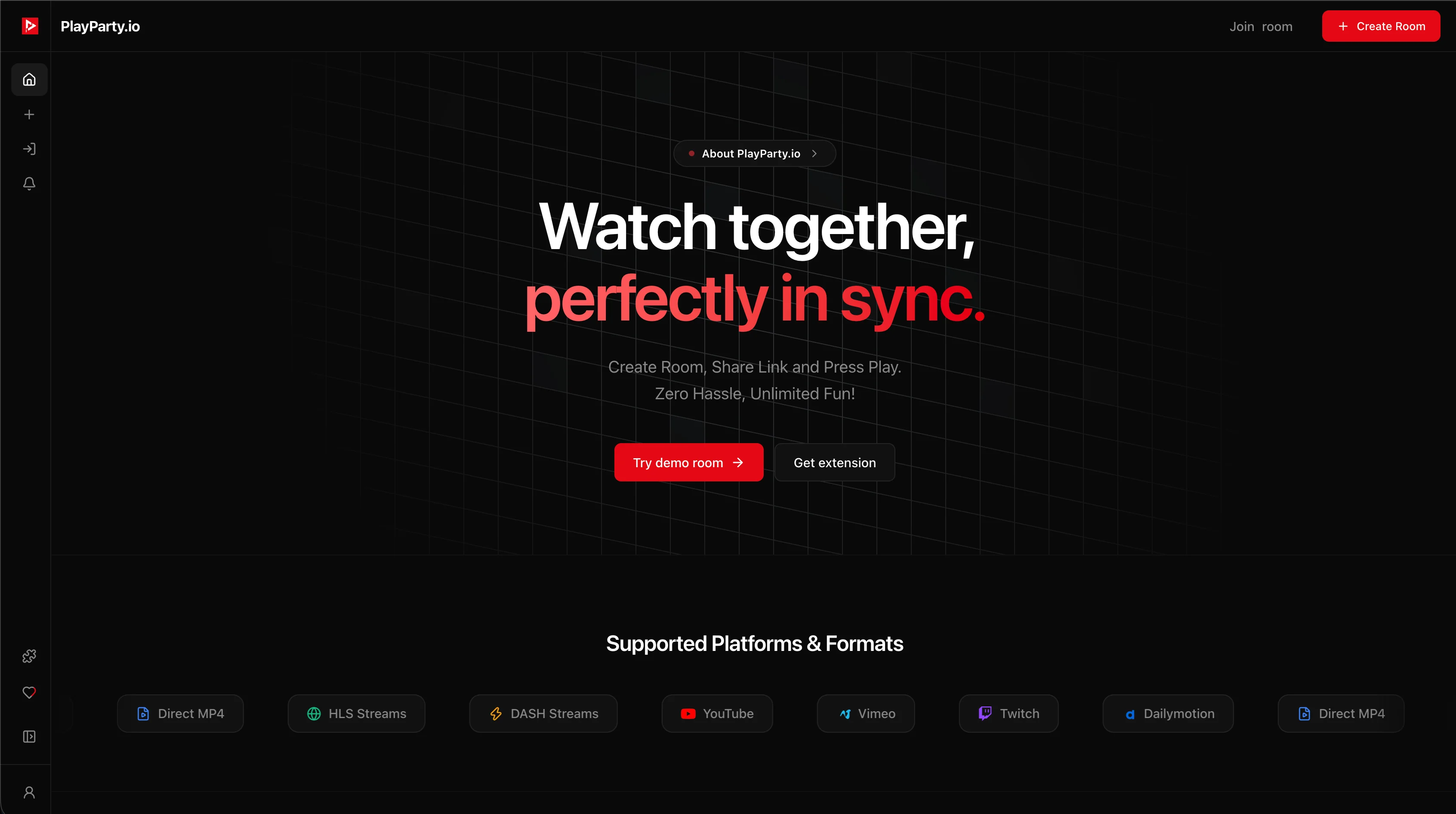
Older watch party platforms only handle video and force you to open separate voice call apps on your phone or computer, draining battery and desyncing audio. Tools like Teleparty require browser extensions (Teleparty support), and Discord screen share compresses video to 720p 30fps on free accounts (Discord Nitro). PlayParty.io provides both sub-50ms synchronized video and native, browser-based voice chat in one unified window.
Advantages
- Built-in low-latency voice chat directly in the browser
- 100% web-based with zero guest extension downloads
- Full compatibility with iOS Safari, Android Chrome, Mac, and PC
- Sub-50ms synchronization speed across all viewers
2. Set Up the Watch Room in 10 Seconds
Open PlayParty.io, paste your chosen video link (YouTube, Vimeo, or direct stream link), and click 'Start a Watch Party'.
Send the room URL to your partner or group. You can add a room password in room settings to keep the session completely private.
3. Talk and React in Real Time with Native Audio
Click the microphone icon inside the room to join built-in voice chat. Because both video playback and voice are synchronized in real time, your live laughter and commentary match up with the video frame-for-frame.
No need to open separate calling apps. Everything runs seamlessly in your browser tab with independent volume controls.
Movie Night Tips for Long-Distance Groups
Beyond the technical setup, a few planning tips make virtual movie nights more enjoyable:
- Agree on the movie beforehand — use a shared poll or take turns picking
- Start with a 5-10 minute pre-movie chat to settle in before pressing play
- Use the 'pause for breaks' feature so everyone can grab snacks without missing scenes
- Consider time zones — pick a time that works for all participants
- For series binges, schedule multiple sessions in advance to keep momentum
Built-in voice chat makes the experience feel natural — no need to juggle a separate phone call while trying to sync the video. Everyone hears the same audio at the same time.
Conclusion
Setting up a virtual movie night does not need to be complicated. Pick a platform that combines video sync and voice chat in one tab, choose your movie, and share the link. For Netflix or Disney+ watch parties, Teleparty or Scener integrate directly with those services. For YouTube, Twitch, or personal video files, PlayParty.io provides a zero-install option with built-in voice chat. The most important thing is not the tool — it's making time to watch together.