
Try PlayParty.io Right Now (Free & Instant)
Start a synchronized watch room in seconds and watch together with friends.
At a Glance
- Watch2Gether pioneered early shared video watching, but its free tier includes display banner ads and interval-based playback sync.
- Leading alternatives specialize in different viewing formats: Scener connects paid streaming catalogs (Netflix, Disney+), Metastream offers desktop media queueing (with open-source publishing and public contributions discontinued in August 2024), and PlayParty.io delivers ad-free open web sync with built-in voice chat.
- For casual groups who want to avoid software downloads and account creation, browser-native tools let friends join instantly via a web link on mobile or desktop.
Watch2Gether (W2G) is one of the longest-running platforms for shared video watching, having launched in 2013 (Watch2Gether). While W2G popularised shared YouTube and SoundCloud listening, display banner ads on the free tier, occasional sync drift, and premium paywalls for features like room passwords ($3.99/month for W2G PLUS per Watch2Gether) lead many groups to seek alternatives. Whether you need integrated voice chat, an ad-free interface, or support for paid streaming services, here is a practical comparison of the best Watch2Gether alternatives in 2026.
1. Watch2Gether (W2G) — Overview and Free-Tier Considerations
Visit Website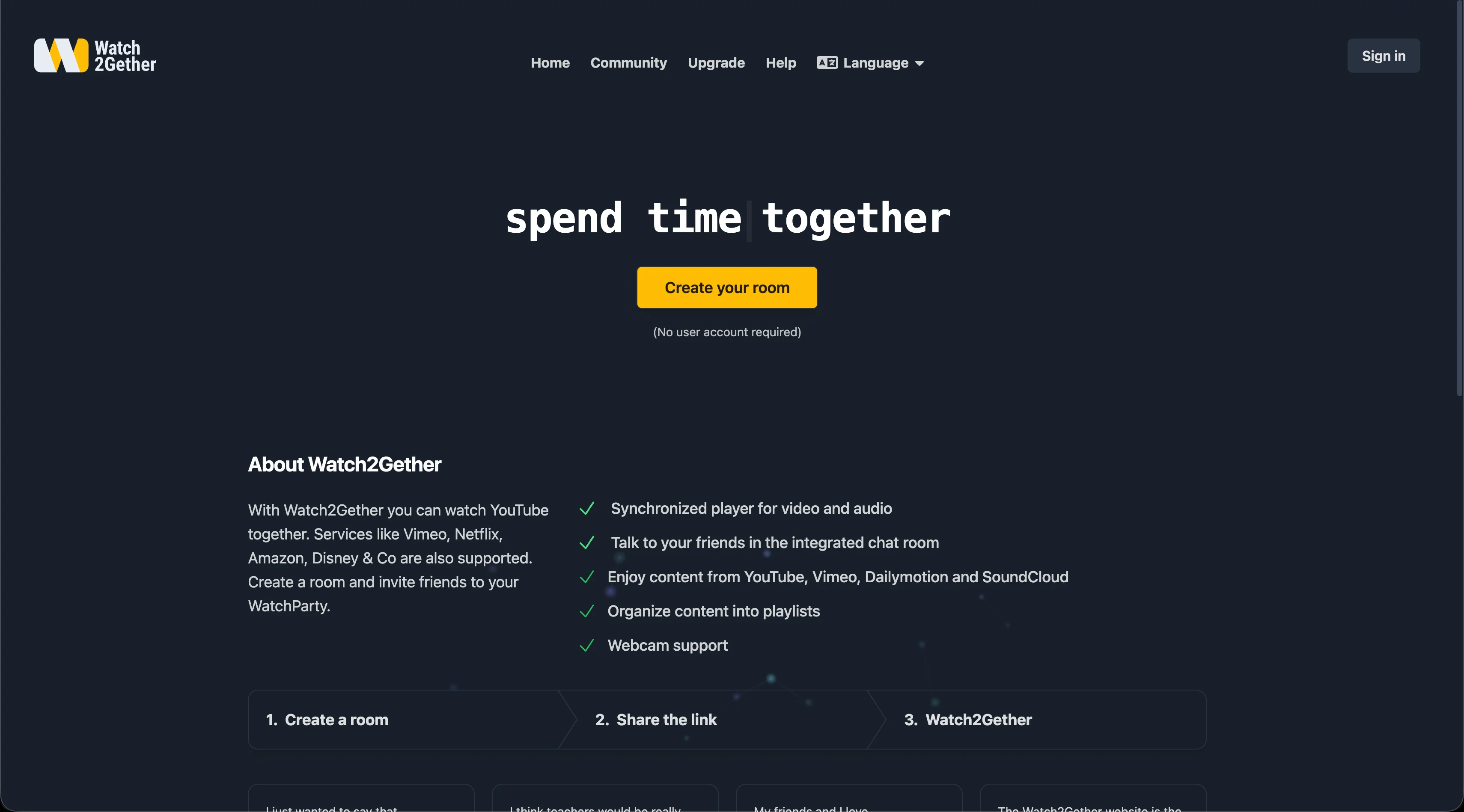
Watch2Gether acts as a basic shared jukebox where participants can search or paste links for YouTube and SoundCloud to build a manual queue.
On the free version, the platform displays banner advertisements around the video stage and sidebar. Additionally, because Watch2Gether's playback sync relies on periodic polling rather than real-time event streams, participants on fluctuating network connections may experience occasional playback drift during extended sessions.
- Integrated search bar for YouTube, Vimeo, and SoundCloud
- Built-in webcam and microphone chat support directly in the browser
- Optional W2gSync browser extension for syncing media from external websites
- Display banner ads on the free tier (ad-free viewing requires W2G PLUS at $3.99/mo)
Advantages
- Simple search for basic YouTube and SoundCloud links
- No software install required for standard browser rooms
- Integrated webcam and mic chat included
Drawbacks & Limits
- Display banner ads present on the free tier
- Watch2Gether's periodic sync polling can lead to noticeable playback drift on unstable network connections
- Live YouTube broadcasts may occasionally drift from the live edge on slower connections
- Advanced room moderation and custom chat themes require W2G PLUS
Watch2Gether is a convenient option for groups looking for basic YouTube link sharing alongside SoundCloud audio, provided participants do not mind display advertisements.
2. PlayParty.io — Ad-Free Web Sync with Built-In Voice Chat
Visit Website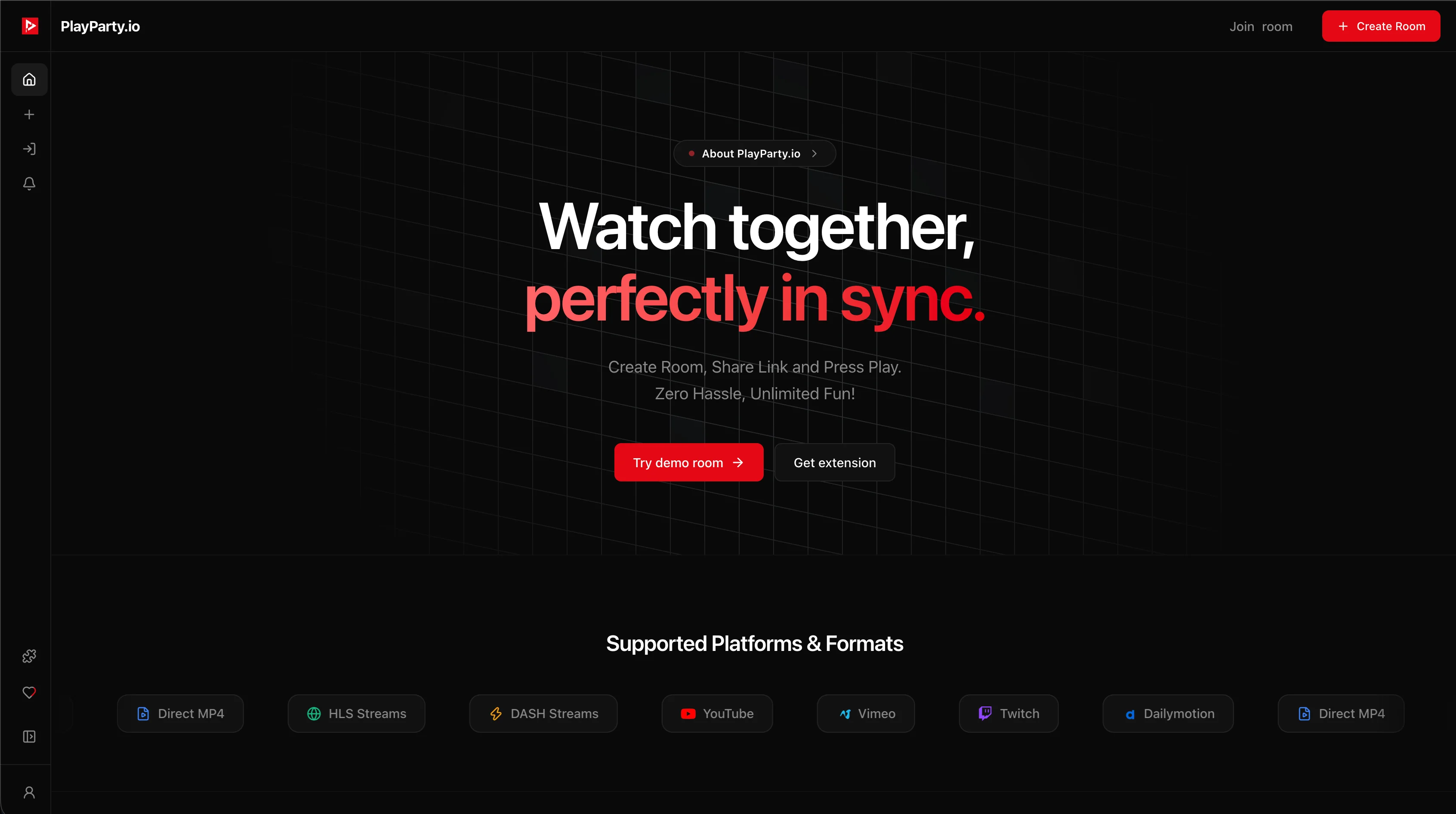
PlayParty.io is built for zero-friction collaborative watching. It features native in-room search across YouTube, Vimeo, Dailymotion, and Twitch (see our guide on how to watch Twitch streams together in sync), eliminating the need to copy and paste links or leave the room.
Every room comes with an Explore tab containing a 20-video recommendation queue and a democratic voting system: host and non-host participants can upvote videos to decide what plays next. When a video ends, the highest-voted video autoplays automatically, allowing continuous binge-watching and music listening for hours without clicking anything. For custom broadcast playlists or self-hosted media, PlayParty also functions as an online HLS and .m3u8 live stream synchronizer.
Additionally, PlayParty natively synchronizes YouTube Live broadcasts (such as breaking news, live esports championships, and 24/7 lo-fi streams) with real-time live-edge sync, and supports uploading custom static or animated GIF profile pictures.
| Feature | PlayParty.io | Watch2Gether | Scener | Metastream |
|---|---|---|---|---|
| Primary Media | YouTube, Twitch, Vimeo, Streams | YouTube, SoundCloud, Vimeo | Netflix, Disney+, Max, Prime | YouTube, Twitch, SoundCloud |
| Display Ads | Zero (Completely ad-free) | Banner ads on free tier | Banner ads & sponsored rooms | Zero (Ad-free) |
| Extension Required? | No (100% Web browser native) | No for basic links (Yes for W2gSync) | Yes (Chrome extension required) | Yes (Metastream Remote extension) |
| Voice / Video Chat | Built-in low-latency WebRTC voice | Built-in webcam and mic chat | Webcam & mic chat up to 10 hosts | Text chat only (No native voice) |
| Guest Account Needed? | No (Instant nickname join) | No (Instant guest join) | Yes (Account login required) | No (Instant guest join) |
| Pricing / Status | 100% Free (Active) | Free (W2G PLUS $3.99/mo) | Free basic / Host upgrades | Free (Open-source paused) |
Advantages
- Completely ad-free with zero banner ads or popup overlays
- Native in-room search for YouTube, Vimeo, Dailymotion, & Twitch
- 20-video Explore recommendation feed with democratic upvoting
- Continuous zero-click autoplay for non-stop bingeing and music sessions
- Real-time sync for YouTube Live streams (Breaking news, Esports, 24/7 Lo-fi)
- Custom profile picture & animated GIF uploads
- Low-latency real-time sync with responsive playback
- Free password protection for private watch parties
Drawbacks & Limits
- Does not support DRM-encrypted subscription services like Netflix
Groups looking for a modern, ad-free watch party platform with native search, Explore recommendation queues, democratic voting, non-stop autoplay, and YouTube Live event co-watching.
3. Scener — Virtual Theater for Paid Streaming Services
Visit Website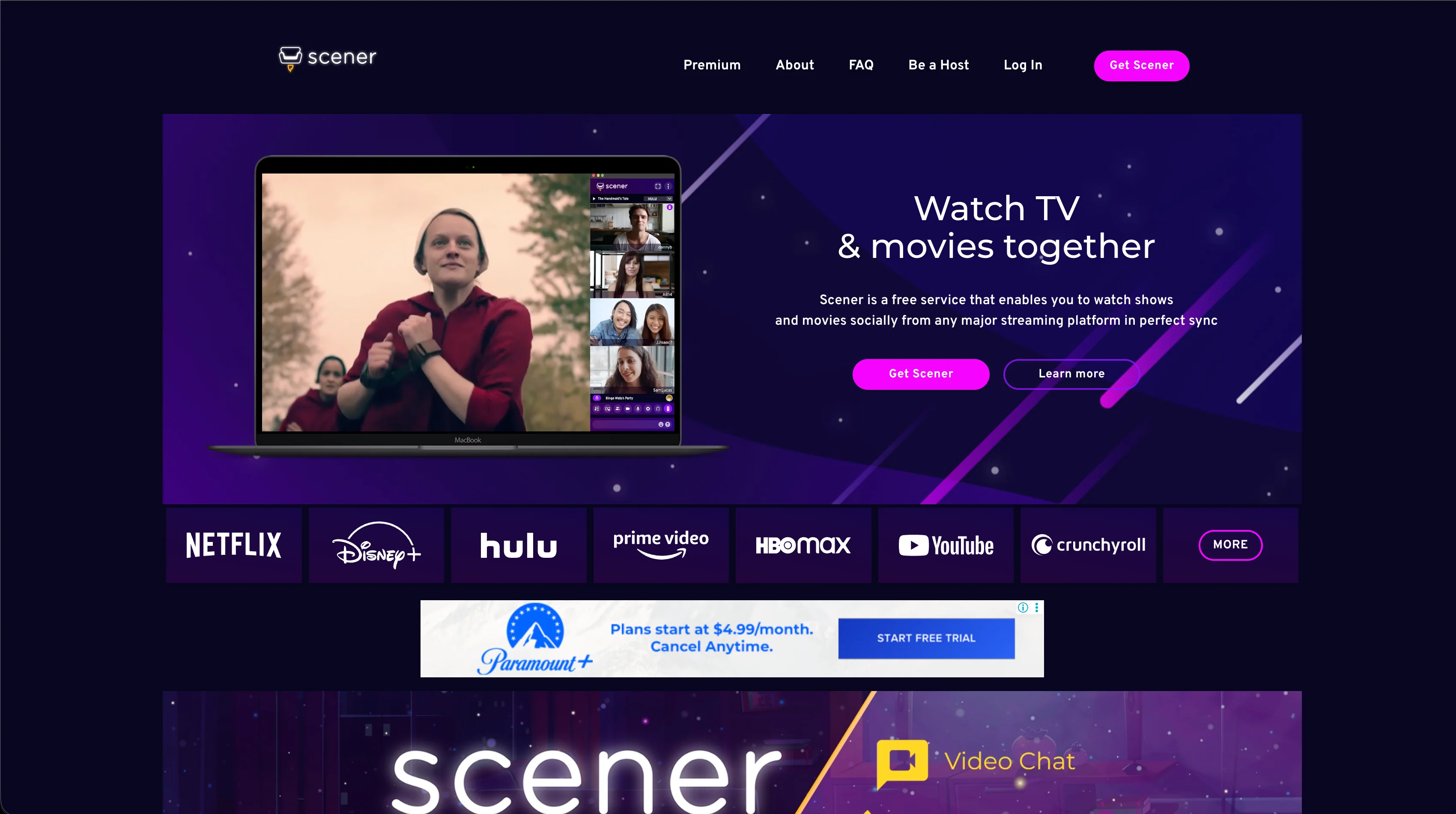
Scener is a virtual movie theater platform tailored for synchronized viewing of major subscription streaming services (Scener). While Watch2Gether concentrates on open web media like YouTube and SoundCloud, Scener integrates directly with Netflix, Disney+, Prime Video, Max, and Hulu.
The platform offers synchronized webcam and microphone chat for up to 10 co-hosts, alongside public theater chat for large community screenings (Scener Chrome extension). However, every participant must install the desktop Chrome extension and hold an active paid subscription to the service being watched.
- Official integrations with major paid subscription services (Netflix, Disney+, Max, Prime Video, Hulu)
- Built-in video camera chat supporting up to 10 simultaneous co-hosts
- Public theater mode for large community screenings and creator watch parties
- Desktop Chrome extension required for all participants
Advantages
- Direct support for major DRM subscription catalogs
- Synchronized video camera and audio chat included
- Community theater hosting for larger audience groups
Drawbacks & Limits
- Requires desktop Chrome extension download for all viewers
- Every viewer must hold an individual paid account on the streaming provider
- Higher CPU and memory usage when running webcam streams alongside 1080p video
If your friend group already subscribes to Netflix or Disney+ and wants to watch with webcams turned on, Scener provides a dedicated virtual theater environment.
4. Metastream — Desktop Media Queues and Project Status
Visit WebsiteMetastream was created by Samuel Maddock as a web-based co-watching application for synchronized media playback (Metastream). It allows users to queue media from YouTube, Twitch, SoundCloud, and custom web links into a shared playlist without account registration.
However, potential users should note its open-source status: in August 2024, the creator announced that Metastream discontinued publishing updates under open source and ceased accepting new community contributions (Metastream GitHub repository). While the web application and existing browser extension remain online and accessible, public repository contributions are no longer being merged. In addition, desktop participants must install the Metastream Remote browser extension to bypass third-party iframe restrictions, and communication is limited to text chat with no native voice or webcam calling.
- Ad-free media jukebox interface with zero display banners
- No user registration or account creation required to join or host
- Flexible playlist queue supporting YouTube, Twitch, SoundCloud, and direct web URLs
- Discontinued open-source publishing and community contributions in August 2024
- Desktop browser extension (Metastream Remote) required to synchronize media
Advantages
- Ad-free interface with clean media queueing
- No account registration required for hosts or guests
- Supports multiple web media sources in a single queue
Drawbacks & Limits
- Discontinued open-source repository releases and public contributions in August 2024
- Desktop browser extension (Metastream Remote) required for player synchronization
- Lacks built-in voice or webcam chat (text chat only)
- Limited compatibility with mobile web browsers
For desktop users who want an ad-free YouTube and SoundCloud queue with simple text chat, Metastream remains accessible online, though groups should keep its discontinued open-source maintenance in mind.
Conclusion
Finding the right Watch2Gether alternative depends on what your group watches and how you prefer to communicate. If you want to synchronize paid subscription services like Netflix or Disney+ with webcam chat, Scener is built for virtual theater hosting. If you prefer a lightweight desktop media player with text chat, Metastream provides an ad-free queue, though open-source updates ceased in August 2024. For groups wanting an instant, zero-install experience with YouTube, Twitch, an automated Explore recommendation queue, democratic voting, and built-in voice chat, PlayParty.io provides a seamless modern solution. For more platform comparisons, check out our guide on Teleparty alternatives, explore Rave app alternatives, learn how to host a YouTube watch party, or plan a group session with our virtual movie night guide.