
Try PlayParty.io Right Now (Free & Instant)
Start a synchronized watch room in seconds and watch together with friends.
At a Glance
- PlayParty.io does not host GTA 6 gameplay or provide the game itself. It enables friends to watch supported third-party YouTube creator videos together in sync.
- Rockstar Games launches GTA VI on November 19, 2026 for PlayStation 5 and Xbox Series X|S, with no native PC version announced for launch, and Xbox Cloud Gaming support announced for Xbox One and Xbox Series X|S consoles.
- For official Rockstar trailers or broadcasts that disable embedding, watch directly on Rockstar's YouTube channel; use PlayParty for embeddable creator walkthroughs, reactions, and secret hunts.
- Hosts need a free verified PlayParty.io account to create a room, while friends join via room link in any browser with zero extension installs.
Watch your favorite GTA 6 creators play, explore, and discover the game together with your friends on PlayParty. According to Rockstar Games and Rockstar Newswire, Grand Theft Auto VI launches on November 19, 2026, for PlayStation 5 and Xbox Series X|S, with no native PC version announced for launch. By loading embeddable YouTube walkthroughs, mission playthroughs, and creator reaction videos into a PlayParty.io room, your group can experience Vice City and Leonida together with built-in voice chat.
Playing vs. Watching Creator Gameplay Together
First, separate playing the game from watching creators play it. Rockstar's announced launch platforms are PS5 and Xbox Series X|S (Rockstar Games), with no native PC version announced for launch. Microsoft also announced on November 10, 2026 that Xbox Cloud Gaming support for GTA VI will be available on Xbox One and Xbox Series X|S consoles at Xbox Series S settings (Xbox Wire).
PlayParty does not host GTA 6 gameplay or provide a way to play the game. Instead, it turns public, embeddable YouTube videos from independent GTA 6 creators into a synchronized watch party so friends without a PS5 or Xbox can watch walkthroughs, funny moments, and Easter egg discoveries in sync.
Official Rockstar Channels vs. Embeddable Creator Videos
PlayParty embeds videos using the YouTube IFrame Player API. Under YouTube's embed settings, any channel or video owner can disable third-party embedding.
If Rockstar Games' official YouTube channel or a specific broadcast disables embedding, PlayParty cannot bypass that restriction. Direct your group to watch official announcements on Rockstar Newswire or YouTube directly. For everyday co-watching, focus on independent GTA 6 creators whose walkthroughs and gameplay videos allow embedding.
Step-by-Step: How to Watch GTA 6 Creator Videos Together
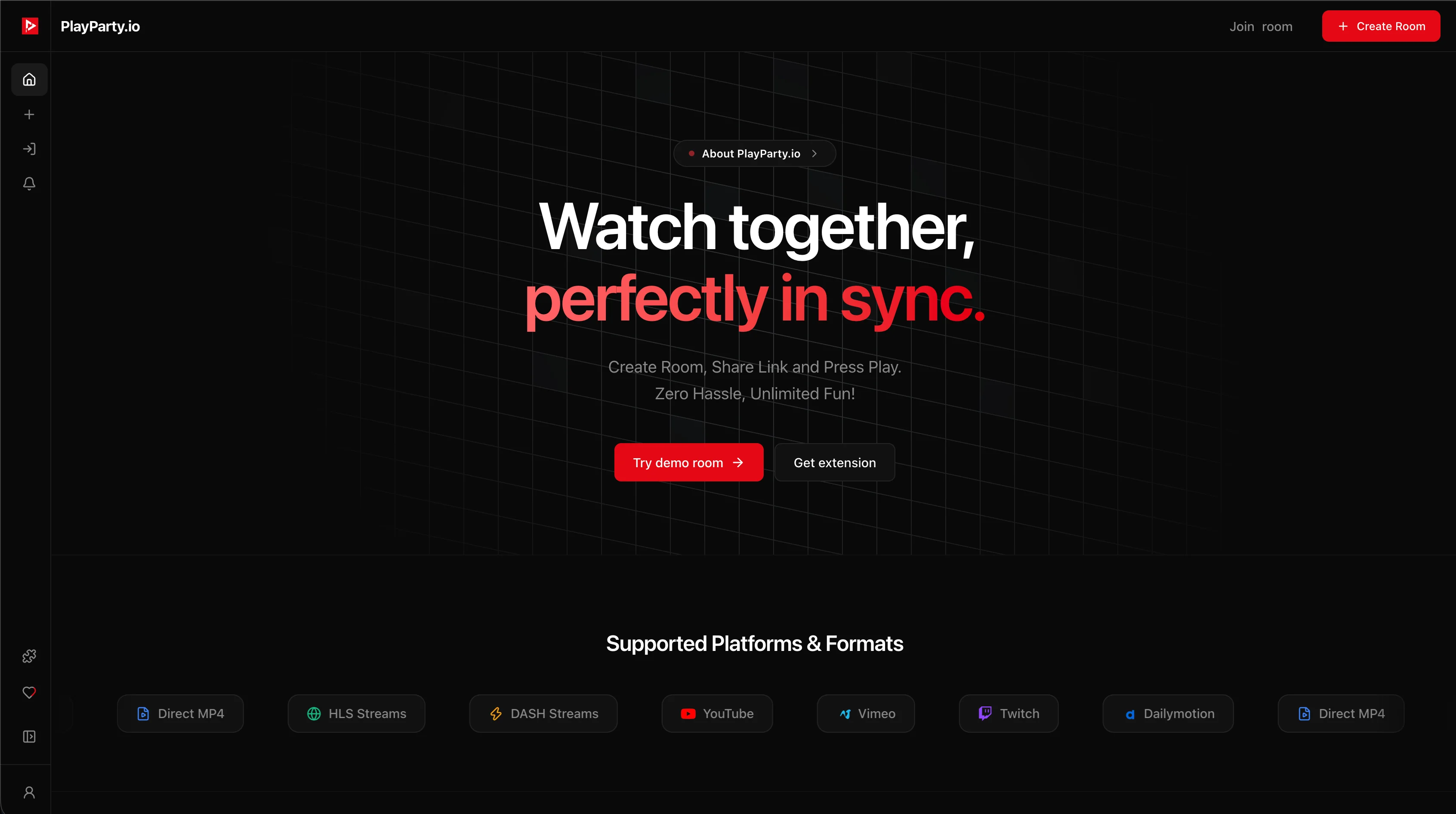
Creating a room takes under a minute. The host needs a free verified PlayParty.io account (used to prevent spam and manage room controls), while invited friends only need the room link:
- Sign in and open Create Room: Click Create Room on PlayParty.io, sign in to your verified account, and choose Video Room.
- Search or paste a creator's YouTube link: Paste an embeddable GTA 6 gameplay or walkthrough URL, or use the built-in YouTube search tab inside the modal.
- Configure privacy (optional): Set a custom room ID, toggle Private Room, or add a room password before creating.
- Share the room link: Copy your unique room URL and send it to friends. No browser extension or app install is required for guests.
- Watch and queue together: Enable built-in WebRTC voice chat, send emoji reactions, or upvote the next walkthrough part using the in-room Explore & voting queue.
How Different Watch-Party Methods Compare for Gameplay Videos
Several tools let friends watch YouTube gameplay together, depending on whether your group is on desktop, mobile, or already in a voice server.
| Platform | Best For | Built-In Voice Chat | Guest Setup | Free Video Quality |
|---|---|---|---|---|
| PlayParty.io | Browser rooms with voice + queue voting | Yes (WebRTC with voice isolation) | Room link only (no extension) | Up to source quality (YouTube) |
| Watch2Gether | Disposable instant rooms | Webcam / peer audio | Room link only (no account) | Up to source quality (YouTube) |
| Discord Screen Share | Existing Discord voice squads | Yes (Discord voice channel) | Discord app & account | Up to 720p/30fps free (up to 4K/60fps with Nitro) |
| Teleparty | Desktop Netflix/Disney+ + YouTube | No (text chat only) | Requires browser extension | Up to source quality (YouTube) |
If your entire squad is already in a Discord voice channel, Discord's Watch Together activity is effortless, and Discord Screen Share (up to 720p/30fps for everyone, or up to 4K/60fps with Nitro and Nitro Classic) works even when a video disables iframe embedding. Likewise, if you want a one-click disposable room where even the host does not sign in, Watch2Gether is faster for quick clips.
Best GTA 6 Creator Content to Queue With Friends
Independent creators cover GTA VI walkthroughs, gameplay, and map discoveries across YouTube, so your group can build a shared queue for all kinds of sessions:
- No-commentary story walkthroughs for friends who want to experience the narrative together like a movie.
- Creator playthroughs, comedy challenges, and first-impressions reactions.
- Leonida map explorations, secret hunting, and Easter egg compilations.
- Live creator streams: If your group is watching live YouTube or Twitch broadcasts in real time, follow our GTA 6 creator livestream guide.
Troubleshooting Playback, Embed Errors & Voice Sync
If a creator's video has embedding disabled, PlayParty shows an 'Embedding Disabled by Channel' notice with a direct link to watch on YouTube or search for another creator's walkthrough. For embeddable videos, if one friend buffers on a slower connection, PlayParty's sync engine detects the offset and realigns their player once buffer health recovers.
Use the in-room voice volume slider to keep friends' microphones clear over loud gameplay audio.
Conclusion
You do not need everyone in your friend group to own a PS5 or Xbox Series X|S to share the excitement of Grand Theft Auto VI. Create a PlayParty room, queue up your favorite GTA 6 creators' walkthroughs and discoveries, and watch together in sync. Disclaimer: PlayParty.io is an independent watch-party platform and is not affiliated with, endorsed by, or sponsored by Rockstar Games or Take-Two Interactive. Grand Theft Auto, GTA VI, and related marks are trademarks of their respective owners.