
Try PlayParty.io Right Now (Free & Instant)
Start a synchronized watch room in seconds and watch together with friends.
At a Glance
- PlayParty.io does not host GTA 6 gameplay or provide the game itself. It lets you watch supported third-party YouTube and Twitch creator streams together with friends.
- For Rockstar Games' official announcements or trailers, watch directly on Rockstar's official YouTube channel; PlayParty cannot bypass embedding restrictions if an official broadcast disables iframe playback.
- Independent GTA 6 creators on YouTube Live and Twitch (streaming walkthroughs, reactions, and launch-day coverage) can be watched together in PlayParty rooms whenever the individual stream permits embedding.
- Live streams cannot be locked to 0ms frame-accurate sync across different ISPs; PlayParty syncs play/pause commands and starts viewers on the live stream, though network and buffering differences can still cause small delays.
Watch your favorite GTA 6 creators play, explore, and discover the game together with your friends on PlayParty. Ahead of Grand Theft Auto VI's November 19, 2026 console launch, many fans will be tuning into independent gaming creators on YouTube Live and Twitch for playthroughs, map explorations, and launch-day reactions. By dropping an embeddable creator stream into a PlayParty.io room, your group can watch together in one browser tab with built-in WebRTC voice chat instead of spoiling key moments across separate streams.
Official Rockstar Broadcasts vs. Independent Creator Streams
Before launch night, it helps to separate two very different viewing experiences:
- Official Rockstar Games announcements & broadcasts: If you want to watch Rockstar's official videos or announcements, head directly to Rockstar Games' official website or YouTube. Because YouTube's embed settings allow channel owners to disable third-party embedding, PlayParty does not promise in-room playback for Rockstar's official broadcasts.
- Independent GTA 6 creators & streamers: Our focus is helping friends watch third-party creators (such as walkthrough channels, variety streamers, and community commentators) playing GTA VI on YouTube Live or Twitch, provided the individual stream allows embedding.
Launch-Week Creator Coverage (Nov 18–19, 2026 & Beyond)
Alongside independent creators streaming on their own YouTube and Twitch channels, YouTube's Official Blog announced a 24-hour GTA VI launch livestream on youtube.com/youtube starting November 19, 2026, at 12:00 AM ET, preceded by a pre-show hosted by RDCWorld on November 18, 2026, at 11:00 PM ET (9:00 AM PKT on November 19). The broadcast features live gameplay, creator podcasts, original content, and Miami coverage with creators including Caylus, Zhong and Kat, Jelly, Rivers, Jake Baldino, Cinna, and others.
Keep two important caveats in mind: first, appearing in YouTube's 24-hour event lineup does not mean those creators have independently confirmed solo GTA VI streams on their own channels. Second, even for YouTube's own 24-hour event stream, embedding permission is controlled per video URL, so we cannot assume it permits iframe embedding until the live stream URL is published and tested.
Live Creator Streams vs. Recorded Gameplay Walkthroughs
If your group is deciding how to watch GTA VI together, match the format to what you want out of the session:
- Creator livestreams (this guide): Best for real-time launch reactions, Q&As, and shared live moments on YouTube Live or Twitch, where viewers watch the live broadcast together with built-in voice chat.
- Recorded walkthroughs & VODs: Best when you want exact timestamp sync, pause-and-discuss moments, or spoiler-free story marathons, as covered in our GTA 6 gameplay watch-party guide.
- Playing the game yourself: Rockstar's announced launch platforms are PS5 and Xbox Series X|S (Rockstar Games), with no native PC version announced for launch, and Xbox Cloud Gaming support announced for Xbox One and Xbox Series X|S consoles.
How to Watch an Embeddable GTA 6 Creator Stream on PlayParty
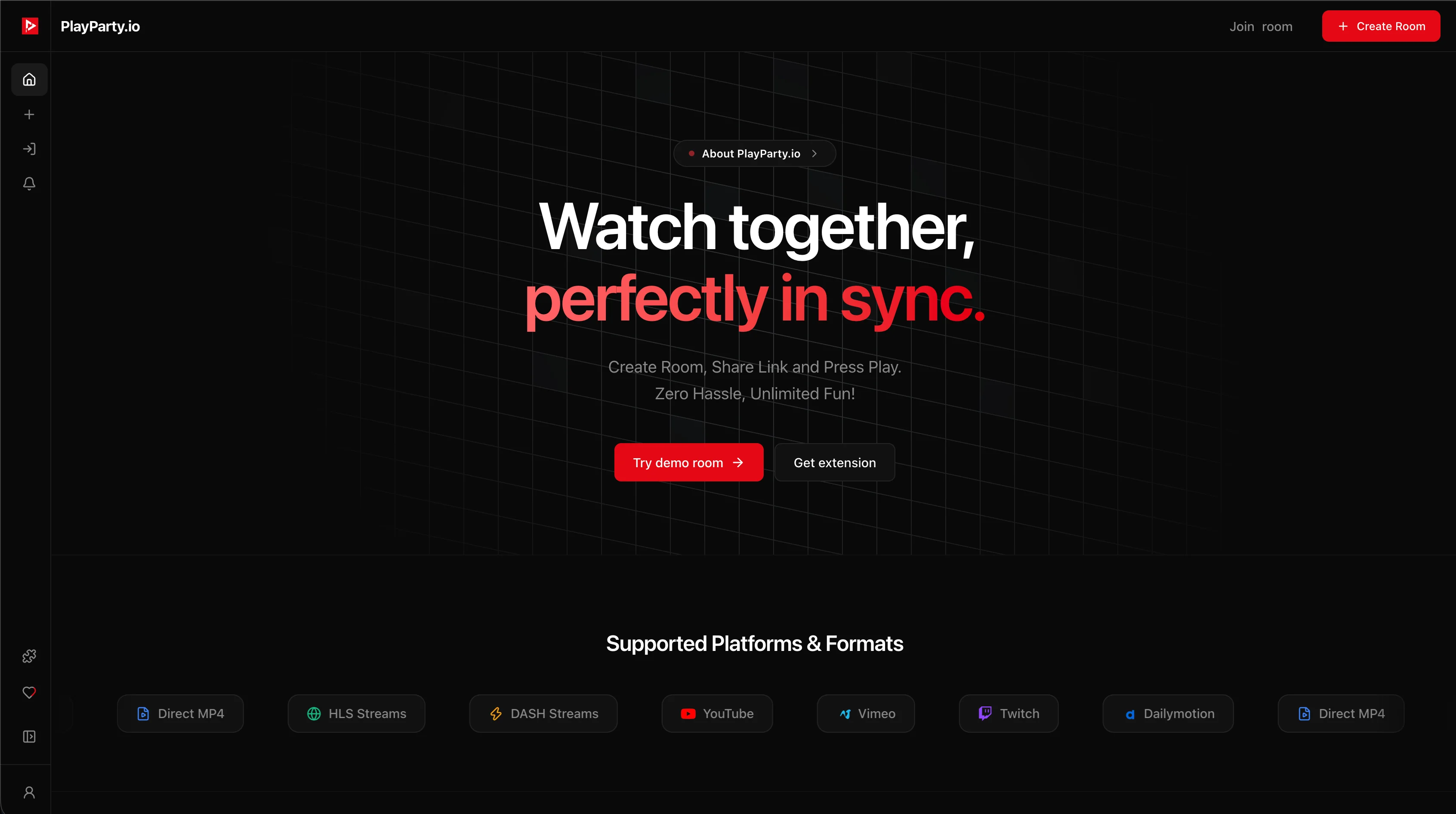
PlayParty does not host GTA 6 gameplay or provide the game itself. Instead, it connects your friends around supported YouTube and Twitch URLs in under a minute:
- Sign in to PlayParty.io: Creating a room requires a free verified PlayParty account.
- Choose Video Room and search or paste a creator URL: Paste an embeddable
youtube.com/live/...,youtube.com/watch?v=..., ortwitch.tv/...link, or search YouTube directly inside the Create Room modal. - Invite your friends: Copy the room URL and send it to your group. Guests join directly in desktop or mobile browsers with zero extension installs.
- Talk with built-in voice chat: Enable PlayParty's WebRTC voice chat (with voice isolation) and balance the voice volume slider against the stream audio.
Per YouTube's embed settings, video owners can disable embedded playback on third-party websites. When that happens, PlayParty detects it automatically and displays an 'Embedding Disabled by Channel' screen with a direct 'Watch on YouTube' link and a 'Search Something Else' button so your room never gets stuck. Also note that YouTube Live Chat is not part of the embedded YouTube video player. While YouTube documents a separate Live Chat iframe for desktop websites, PlayParty does not currently implement that separate iframe. Your group communicates using PlayParty's built-in voice and text chat, while the creator's YouTube Live Chat stays on YouTube.
Why Livestreams Drift & When Competitors Win
Live broadcasts are delivered in continuous segments over HTTP Live Streaming (HLS) or DASH. Because each viewer's ISP and buffer behave differently, no third-party embed tool can guarantee 0ms frame-accurate lockstep on a live stream. PlayParty starts viewers on the live broadcast (without seeking back to 0:00) and syncs play/pause events, while individual network and buffering differences can still introduce small delays (YouTube Live latency guide).
For evergreen live-stream tips beyond GTA VI, read our YouTube Live watch-party guide or our Twitch stream sync guide.
| Option | Best For | Built-In Voice Chat | Works Without Extensions? | If Embedding Is Disabled |
|---|---|---|---|---|
| PlayParty.io | Independent creator streams with friends | Yes (WebRTC with voice isolation) | Yes (desktop & mobile browsers) | Shows Watch on YouTube fallback |
| Watch2Gether | Temporary rooms without sign-up | Webcam / peer audio | Yes | Cannot embed restricted streams |
| Discord Screen Share | Existing Discord voice servers | Yes (Discord voice channel) | Requires Discord app/client | Works via screen share (up to 720p/30fps free, up to 4K/60fps Nitro) |
| YouTube Watch Page | Official Rockstar broadcasts & Live Chat | No | Yes | Plays natively on YouTube |
If your friends are already in a Discord voice channel and someone has Discord Nitro or Nitro Classic for up to 4K/60fps screen sharing (720p/30fps for everyone else), Discord keeps everyone in one app, and screen sharing works even for streams that disable iframe embedding. If you want a one-click disposable room where even the host does not create an account, Watch2Gether is faster for temporary sessions.
Conclusion
Independent GTA 6 creators stream gameplay, secret hunting, and Vice City exploration on YouTube Live and Twitch. Start a PlayParty room whenever your favorite creator goes live, invite your friends, and watch together. Disclaimer: PlayParty.io is an independent platform and is not affiliated with, endorsed by, or sponsored by Rockstar Games, Take-Two Interactive, or YouTube. All trademarks belong to their respective owners.