
Try PlayParty.io Right Now (Free & Instant)
Start a synchronized watch room in seconds and watch together with friends.
At a Glance
- Different viewers can experience different playback delays because of their internet connections, buffering, and the stream's latency settings.
- PlayParty.io lets you paste any embeddable YouTube Live URL into a shared room with built-in WebRTC voice chat and live text reactions.
- Hosts need a free verified PlayParty account to create a room, while guests join via link in any desktop or mobile browser with zero extensions.
- For standard recorded YouTube videos, check our evergreen YouTube watch-party guide; for live .m3u8 feeds, see our HLS stream sync guide.
You can watch YouTube Live streams together with friends by creating a PlayParty.io room, pasting the YouTube Live URL, and inviting your group with a single link. Whether your friends are tuning into an esports final, a 24/7 lo-fi stream, a rocket launch, or a major game premiere, watching live broadcasts in separate browser tabs can drift out of sync because separate players buffer differently.
Why YouTube Live Streams Drift Apart Between Friends
Unlike pre-recorded videos that load from a fixed start-to-finish file, YouTube Live broadcasts continuously encode and deliver small video segments. According to YouTube's live latency documentation, creators choose between Normal, Low, and Ultra-Low Latency modes, and each viewer's browser maintains its own buffer depth depending on connection stability.
If one friend experiences a brief Wi-Fi hiccup, YouTube's player pauses to buffer and may resume behind the live broadcast. Without a shared room coordinating playback, one person can see a goal, clutch play, or reveal earlier than everyone else.
How to Watch a YouTube Live Stream Together on PlayParty
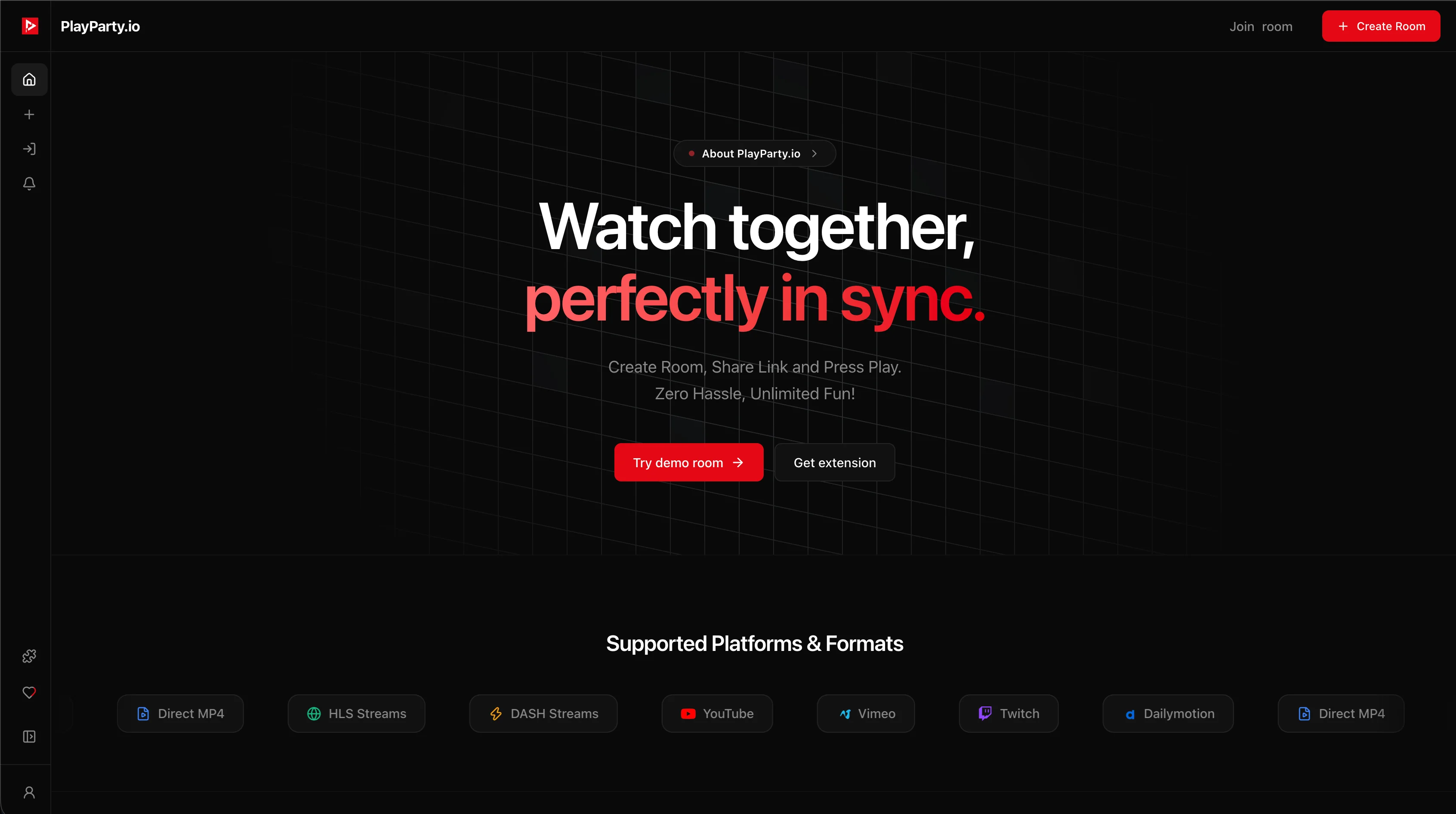
PlayParty.io wraps the YouTube IFrame Player API inside a real-time room powered by WebRTC Data Channels and LiveKit voice chat:
- Open PlayParty.io and sign in: Creating a room requires a free verified PlayParty account.
- Create a Video Room: Paste the YouTube Live link (either
youtube.com/live/...oryoutube.com/watch?v=...) or search for the live broadcast directly inside the modal. - Share the room link: Copy the URL and send it to friends. Guests join directly in Chrome, Safari, Edge, Firefox, or mobile browsers with no extension needed.
- Talk and react live: Enable built-in voice chat with voice isolation, send text messages, or drop emoji reactions without switching apps.
.m3u8 feed? See our Twitch sync guide or our HLS stream sync guide.Understanding Live-Stream Sync & Limitations
Because YouTube Live runs inside an isolated iframe and relies on YouTube's CDN delivery, it is important to understand what synchronized live viewing can and cannot do:
- Live-window sync, not 0ms lockstep: PlayParty syncs play/pause commands and starts viewers on the live broadcast, though slight timing variance can still occur across different regions and ISPs.
- Embed restrictions apply: If a broadcaster disables third-party embedding in YouTube's embed settings, PlayParty displays an 'Embedding Disabled by Channel' screen with a direct 'Watch on YouTube' link and a 'Search Something Else' button so the room never gets stuck.
- No YouTube Live Chat inside PlayParty rooms: YouTube Live Chat is not part of the embedded video player. While YouTube supports a separate Live Chat iframe on desktop websites (YouTube Help), PlayParty does not currently implement that separate iframe. Inside PlayParty, you watch the embedded YouTube livestream and communicate using PlayParty's built-in voice and text chat, while the original creator's Live Chat stays on YouTube.
Comparing YouTube Live Co-Watching Options
Here is how PlayParty compares with other popular ways to watch YouTube Live with friends:
| Tool | Built-In Voice Chat | Guest Extension Required? | Host Account Needed? | Best Use Case |
|---|---|---|---|---|
| PlayParty.io | Yes (WebRTC + voice isolation) | No | Yes (free verified account) | Browser rooms with voice, chat & queue |
| Watch2Gether | Webcam / peer audio | No | No | Quick temporary rooms without sign-up |
| Teleparty | No (text only) | Yes (all users) | No | Desktop extension users on Netflix + YT |
| Discord Watch Together | Yes (Discord voice) | No (Discord client) | Discord account | Existing Discord gaming servers |
If your group is already in a Discord voice channel, Discord's Watch Together activity keeps everyone in one app. If you want an instant disposable room where nobody signs in at all, Watch2Gether is a solid alternative.
Troubleshooting Common YouTube Live Issues
If a friend falls behind the live broadcast after buffering, have them refresh or click the LIVE badge on the player to snap back to the live edge. If a stream shows 'Video unavailable', verify that the creator has enabled embedding for their broadcast.
For major gaming events like the GTA 6 launch livestreams, joining the room 5–10 minutes early lets everyone test their microphone and audio balance before the broadcast starts.
Conclusion
Watching YouTube Live streams together turns solo broadcasts into shared events, whether it is an esports tournament, a music festival, or a major game launch. Spin up a PlayParty room, send the link to your friends, and experience the stream together in real time.